How to Trade with AI: 5 Levels for Traders

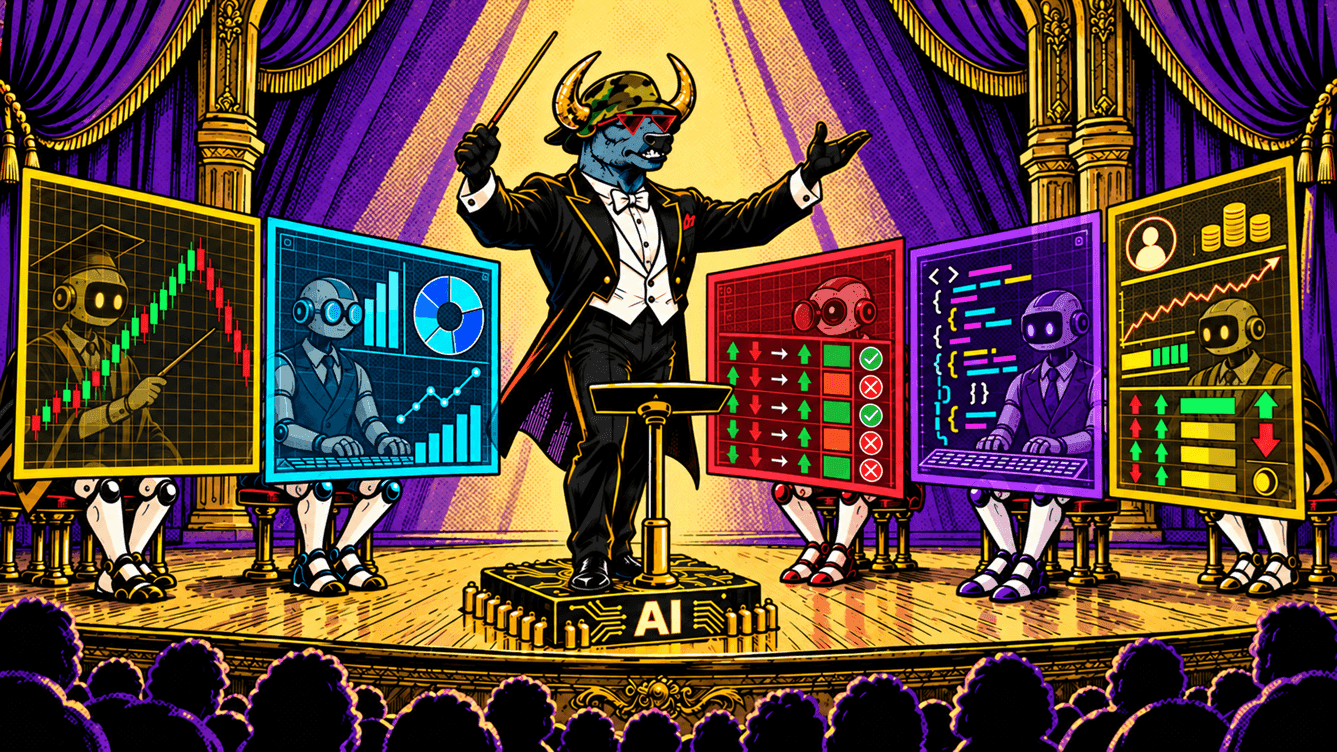
How do you trade with AI? An AI model can help a trader at five levels: explaining, analyzing the market, reviewing your trades, writing code and, finally, trading on its own via API. The higher the level, the more decisions you hand over to the machine — and the higher the risk. Below, we break down what AI can and can't do, how to use each level with ready-made prompts and how to stay within prop challenge rules.
If you're curious what happens when you hand over all your trading to an AI, read our breakdown of the experiment "Can AI Pass a Prop Firm Challenge? Alpha Arena Results". In it, six of the largest models traded real money, and four of them lost between 42% and 59%.
What AI can and can't do in trading
A language model — ChatGPT, Claude, Gemini, DeepSeek and others — is neither a trading robot nor an oracle. It's a very well-read assistant: it processes text quickly, explains, calculates and writes code. But it has no access to the future, and sometimes not even to up-to-date data.
| AI can | AI can't |
|---|---|
| Explain a term, rule or mechanic in plain language | Predict price movements |
| Break down a news story and suggest scenarios | Guarantee that the numbers in its answer are accurate and current |
| Find patterns in your trading history | Take responsibility for your risk and your money |
| Write and check the code of an indicator or bot | Consistently beat the market — that hasn't been proven yet |
| Calculate position size based on your rules | Stop on its own if it hasn't been given rules |
The US derivatives regulator, the CFTC, states plainly in a dedicated advisory on AI bots that AI can't predict the future or sudden market changes. That's a good starting point. Use AI where it strengthens your work, not where it has to guess.
Traders themselves seem to sense this. In an Investing.com survey, investors most often use AI to research assets (62%), understand news (35%) and find trading ideas (34%). At the same time, nearly one in four has little or no trust in the analysis an AI produces.
5 levels of AI trading
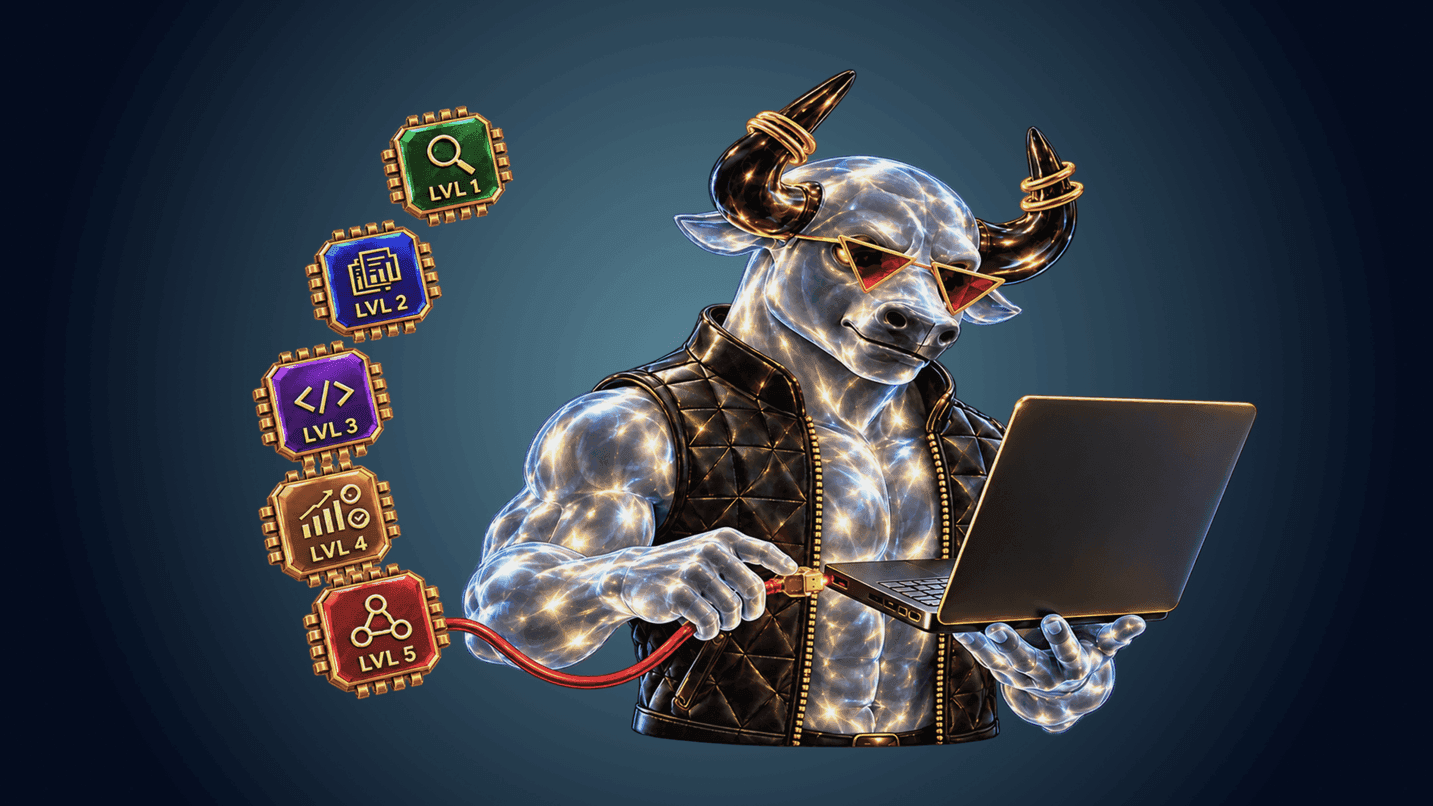
The easiest way to think about AI in trading is as a ladder. At each step, the AI takes on more of the work, and you hand over more control.
| Level | What AI does | Who makes the decision | Risk | Skills needed |
|---|---|---|---|---|
| 1. Teacher | Explains terms and rules | You | Minimal | Asking questions |
| 2. Analyst | Breaks down news and the market | You | Low: errors in data | Fact-checking |
| 3. Trade reviewer | Finds mistakes in your history | You | Low | Exporting trades |
| 4. Programmer | Writes an indicator, backtest or bot | You, through code | Medium: errors in logic | Reading code, testing on demo |
| 5. Autonomous agent | Trades on its own via API | The AI | High | Programming and setting hard limits |
The first three levels are safe and useful for almost any trader. The fourth requires care. The fifth is still an experiment.
Level 1. AI as a teacher
The simplest and most underrated use. An AI model will explain what funding is, how a limit order differs from a stop order or how daily drawdown is calculated. It will explain it as many times and in as many ways as you need, and it never gets tired of questions.
Explain in plain language what daily drawdown is on a prop challenge.
Give an example for a $10,000 account with a 5% limit: how much can I lose in a day,
and how does a loss on a position that's still open affect this?
One rule matters here. An AI may know a specific platform's conditions inaccurately or from outdated data. Let the AI explain the mechanics, but take exact numbers and rules from the official documentation — for example, the Upscale challenge rules.
Level 2. AI as an analyst
At this level, the AI helps you make sense of the market: it summarizes a news story, explains how it might affect the price and suggests scenarios. This saves time and helps you notice things you might have missed.
Here's a news story: [paste the text]. Explain how it might affect BTC and ETH
over the next few days. Give three scenarios — up, down and sideways — and for each,
say what needs to happen on the chart to confirm it.
The main risk at this level is made-up or outdated numbers. A model can confidently state a price, date or percentage that never existed. So give it the data yourself — the news text, indicator values — and check any fact you base a trade on. And remember: a scenario is not an entry signal.
Level 3. AI as a reviewer of your trades
AI doesn't know the future, but it's good at spotting patterns in the past — including in your own mistakes. Export your trading history and ask it to find what keeps repeating.
Here's my trading history for the month: [table: date, instrument, direction,
leverage, size, result, holding time]. Find my three main mistakes.
Compare winning and losing trades by leverage, holding time and time of day.
Don't give generic advice — only conclusions from this data.
A review like this often reveals uncomfortable but useful things. For example, that losses cluster in the first hours after a big loss, and leverage grows after a losing streak. These are classic signs of trying to win back losses.
On Upscale, this kind of review is built into the platform. If your challenge has closed, you can request an AI Challenge Report: statistics across all your trades, your three main mistakes and an improvement plan for each of them. It's available on real challenges, and you can request it from the account closure window, the dashboard or the analytics tab.
Level 4. AI as a programmer
Here the AI writes code: an indicator for your chart, a backtesting script or a simple bot that trades by your rules via API. You don't need to know how to program from scratch, but you do need to understand what the code does.
Write a Python script to backtest a simple strategy on hourly BTC candles:
go long when EMA 20 crosses above EMA 50, stop-loss 1.5%,
take-profit 3%, risk per trade no more than 1% of the balance.
Calculate the return, maximum drawdown and share of winning trades.
Add a comment to each block of code.
Three safety rules apply at this level.
- Never paste your API key into the chat. Store it in environment variables or in a separate file that isn't part of your conversation with the AI.
- Check the logic, not just whether the code runs. Typical mistakes are mixed-up longs and shorts, percentages instead of fractions and a backtest that "peeks" at future candles. Ask the AI to explain each block, and find for yourself where the stop and position size are set.
- Demo first. On an Upscale demo account, API trading is enabled for free, with real quotes and conditions. Let the bot run on demo long enough to see it in different market conditions.
A word on backtests. A good result on historical data guarantees nothing. If you keep tweaking parameters until the equity curve looks nice, you'll get a strategy perfectly fitted to the past. Test it on a period that wasn't used for tuning, then on demo.
When you connect a bot to a challenge, additional rules apply to the account. Profit from a close made less than 60 seconds after opening or increasing a position doesn't count. Your most profitable day must not account for 30% or more of total profit. And there's a limit on request frequency. These rules apply to all trades on the account, including manual ones. We walked through connecting a bot step by step in our article "API Trading on Upscale".
Level 5. AI as an autonomous agent
At the final level, the AI doesn't write code for you — it trades by itself: it receives data, makes a decision and sends the order. Technically, this is already possible. In August 2026, the world's largest crypto exchange opened trading on users' behalf to AI agents, and, as TechCrunch notes, keeping those agents in check is largely up to the users themselves.
An AI model usually connects to an exchange through MCP (Model Context Protocol). It's a standard that lets a language model use external tools: fetch data, call functions and send requests. In essence, it's an adapter between a chatbot and an API.
We consider this level an experiment for three reasons.
- Profitability hasn't been proven. In the Alpha Arena experiment, six of the largest models traded real money with no human involvement, and four of them lost between 42% and 59%. Read the full breakdown in our article "Can AI Pass a Prop Firm Challenge?".
- The model won't stop on its own. If its rules don't include hard limits, it will keep repeating its style even after that style stops working.
- Decisions aren't reproducible. The same model under identical conditions can make different decisions.
If you do experiment with an agent, do it only on a demo account and only with limits written into the code, not into the text of the model's instructions.
How to start trading with AI safely: a step-by-step plan
- Start with levels 1–3. Let the AI explain, analyze and review your trades. Decisions stay with you, and the benefits show up within the first week.
- Write down your risk rules. Maximum risk per trade, maximum leverage, a daily stop and a limit on trades per day. This list becomes both your checklist and the specification for future code.
- Move to code only on demo. Ask the AI to write a bot strictly by your rules and run it on a demo account. Watch not only the profit, but also whether the bot respects the limits.
- Take only what's proven to a real challenge. The strategy should work consistently on demo, the limits should be hard-coded, and you should understand every line.
- Review your results regularly. Once a week, export your trades and run them through a review, as on level 3.
Common mistakes when trading with AI
- Trusting the numbers in an answer. A price, percentage or date in an AI's answer may be made up. Check everything you base a trade on.
- Treating a scenario as a signal. Analysis helps you think, but it doesn't tell you when to enter.
- Overfitting a backtest. A perfect equity curve on historical data more often means overfitting than a good strategy.
- Using the leverage the model "recommended." High leverage is mathematically incompatible with drawdown limits. Leverage of around 5× is a deliberate choice: at that level, one bad trade can't wipe out the account.
- Sharing your API key. A key in a chat with an AI is a key that others may see.
- Buying "AI bots with guaranteed returns." According to the CFTC, scammers promise returns of tens of thousands of percent and 100% winning trades. Any guaranteed profit is a reason to walk away.
AI and prop challenge rules
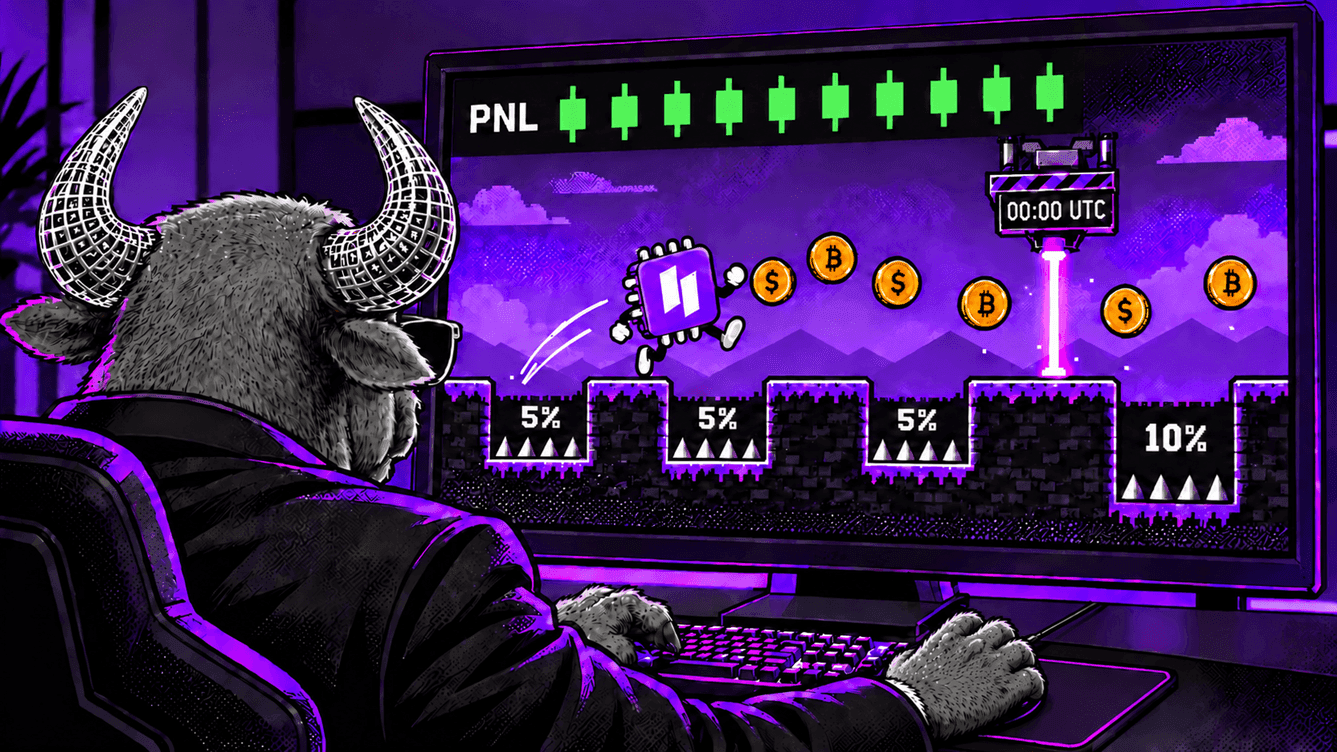
Drawdown limits apply equally to a human and a bot. The daily limit is calculated from the balance at the start of the day (00:00 UTC), and open positions in a loss reduce the balance immediately. A bot without built-in limits can breach a limit within minutes: it doesn't get tired and it doesn't hesitate.
That's why it's worth giving the AI your account rules as hard constraints. Here's a prompt template that turns AI into a risk assistant:
You're helping me trade on a prop challenge. Account rules:
— balance $10,000, daily drawdown limit 5% of the balance at the start of the day (00:00 UTC);
— overall drawdown limit 10% of the starting balance;
— open positions in a loss also reduce the balance.
My rules: risk per trade no more than 0.5% of the balance, leverage no higher than 5×,
trading stops after a 2% loss in a day.
Check every idea of mine against these rules
and tell me directly if it breaks them.
A prompt like this doesn't turn AI into a risk manager you can fully rely on: the model can make a calculation error. The final control stays with you — and in automated trading, with code that has hard limits.
AI is already useful to traders, but not where it's most often advertised. The first three levels bring the most value: explanations, analysis and reviewing your own trades. At these levels, decisions stay with the human, while the AI saves time and helps you see your mistakes.
Automation is the next step, not the starting point. You need to understand code written with AI, test it on historical data and on demo, and hard-code limits on leverage, position size and daily loss. Fully autonomous trading is still an experiment: AI agents haven't proven consistent profitability.
For a trader on a challenge, the main takeaway is simple: risk rules are the same for a human and a bot. AI can help you follow them, but it can't be responsible for them in your place.
Start now: 👉 Upscale.trade | Telegram bot
Follow us: 📺 YouTube | 𝕏 Twitter
Community: 💬 Telegram chat | 🎮 Discord
Can ChatGPT trade for me?
Technically, a language model can be connected to an exchange via API and allowed to open trades on its own. But there's no evidence yet that it can do so consistently profitably: in the Alpha Arena experiment, four of the six largest models lost between 42% and 59% of their accounts. It's far more reliable to use AI as an assistant — for analysis, learning and reviewing your trades — while keeping the decisions to yourself.
Which AI is best for trading?
There's no universal answer. Any modern model — ChatGPT, Claude, Gemini, DeepSeek — works for explanations, news analysis and trade reviews. Research shows that a model's place in general rankings has almost no connection to its trading results. What matters more than the choice of model is how you use it: what data you give it, how you check its answers and what limits you set.
Can you use AI on a prop challenge?
On Upscale, yes. You can use AI for analysis and learning without restrictions, and you can connect a trading bot via API, including one written with the help of AI. Accounts with API access have additional rules: profit from trades shorter than 60 seconds doesn't count, your most profitable day must not account for 30% or more of total profit, and request frequency is limited. Drawdown limits are the same for manual and automated trading.
Can you trust AI trading signals?
Not blindly. AI doesn't predict the future, and its answers can contain made-up or outdated numbers. Use AI analysis as a prompt to think, not as a command to enter, and check any facts against primary sources. Services that promise guaranteed profit from AI signals are a red flag: the CFTC regulator warns about exactly these schemes.
How do you safely connect an AI bot to your account?
Start with a demo account: on Upscale, API trading on demo is enabled for free. Don't paste your API key into a chat with an AI — store it separately. Hard-code limits on leverage, position size and daily loss. Move to a real challenge only after the bot has run consistently on demo and you understand every line of its code.
Do you need to know how to code to trade with AI?
Not for the first three levels: explanations, analysis and trade reviews are available to anyone who can ask questions. For a trading bot, you don't need to program from scratch, because the AI can write the code. But you do need to understand what that code does: check the entry and exit logic, the position size and the risk limits.
What is the AI Challenge Report on Upscale?
It's a built-in analysis of a closed challenge. It shows statistics across all your trades, your three main mistakes and an improvement plan for each of them. The AI Challenge Report is available on real challenges, and you can request it from the account closure window, the dashboard or the analytics tab.