Upscale updates, September 2026

Upscale's September update adds 15 new markets: three South Korean stocks — SMSN, HYUNDAI and SKHY — nine US stocks — MU, AMD, INTC, MRVL, PLTR, CRCL, LITE, CRWV and COIN — the Korean KR200 index, natural gas and copper. The Turbo account line now goes up to $50,000 and $100,000, and the platform gets API trading — free at the time of publication. Some rules have changed too: index positions opened in the last hours before the weekend are now closed automatically, moving between phases goes through an extra check, and tournaments count results on the current phase. Below is a closer look at each change.
15 new markets: Korean and US stocks, gas and copper

Upscale is expanding its RWA offering across three categories at once. "24/7 Stocks" gains nine US stocks — MU, AMD, INTC, MRVL, PLTR, CRCL, LITE, CRWV and COIN — and three South Korean ones: SMSN, HYUNDAI and SKHY. The category has grown from 8 to 20 tickers. "Indices" adds KR200, the first Asian index on the platform, which tracks the 200 largest companies in South Korea. "Commodities" adds natural gas and copper.
| Ticker | Instrument | Leverage: Basic and Accelerated | Leverage: Turbo |
|---|---|---|---|
| KR200 | Korea 200 Index | x10 | x3 |
| SMSN | Samsung Electronics | x5 | x2 |
| HYUNDAI | Hyundai Motor | x5 | x2 |
| SKHY | SK hynix | x5 | x2 |
| MU | Micron Technology | x5 | x2 |
| AMD | AMD | x5 | x2 |
| INTC | Intel | x5 | x2 |
| MRVL | Marvell Technology | x5 | x2 |
| PLTR | Palantir Technologies | x5 | x2 |
| CRCL | Circle Internet Group | x5 | x2 |
| LITE | Lumentum Holdings | x5 | x2 |
| CRWV | CoreWeave | x5 | x2 |
| COIN | Coinbase | x5 | x2 |
| NATGAS | Natural gas | x10 | x3 |
| HG | Copper | x10 | x3 |
The full list of instruments, open interest caps and trading hours is on the Trading Assets page.
This lets you apply your strategy to more markets: you can react to earnings and news from major US and Korean tech companies, and trade an Asian index and commodities — including at weekends, when traditional exchanges are closed, and on the same leverage and fee terms as the familiar 24/7 stocks.
When the new markets trade
All new instruments except copper are available around the clock, including weekends and holidays, when traditional exchanges are closed. Copper trades from Sunday 22:00 to Friday 21:00 UTC with a daily break from 21:00 to 22:00 UTC.
All times here and below are in UTC. For US markets this is the US summer-time schedule: after the switch to winter time on November 1, all their boundaries move one hour later.
SKHY trades in the US as depositary receipts, so it follows the same schedule and spreads as US stocks.
A 10-minute pause at the exchange open
Around the start of the main exchange session the market closes for 10 minutes — the most volatile minutes of the day:
- US stocks, including SKHY: 13:25–13:35 UTC;
- South Korean stocks: 23:55–00:05 UTC;
- KR200: 23:40–23:50 UTC.
The pause applies on regular trading days only. During it prices do not update, and after it pending orders are filled at the first available market price.
The most chaotic minutes of the exchange open, when quotes are unstable, stay out of trading. This lowers your risk of an order being triggered by a sudden price spike.
Fees, spread and funding
The fee to open and to close a position: on the new stocks and natural gas it is 0.003% on Basic and Accelerated challenges and 0.02% on Turbo accounts, the same as on the existing 24/7 stocks. KR200 and copper follow the index rates: 0.0035% and 0.01% respectively.
The spread depends on the trading session: lowest while the exchange is open, and wider at night, on holidays and at weekends. Korean instruments carry a larger off-session markup than US ones, as the Korean market is more volatile during those hours. The rates for every group are on the Fees page.
Funding is 0.025% a day, charged at 20:00 UTC. On round-the-clock markets it is charged every day, including Saturday and Sunday. The copper market closes for the weekend, so copper carries a triple 0.075% rate on Friday and no charges on Saturday and Sunday. The charge time is tied to New York time, so after the US switches to winter time it moves to 21:00 UTC. More on the Funding page.
This makes your costs easy to plan ahead: fees and funding match the familiar 24/7 stocks, and the time of the next funding charge is now shown right in the position details.
Turbo accounts at $50,000 and $100,000
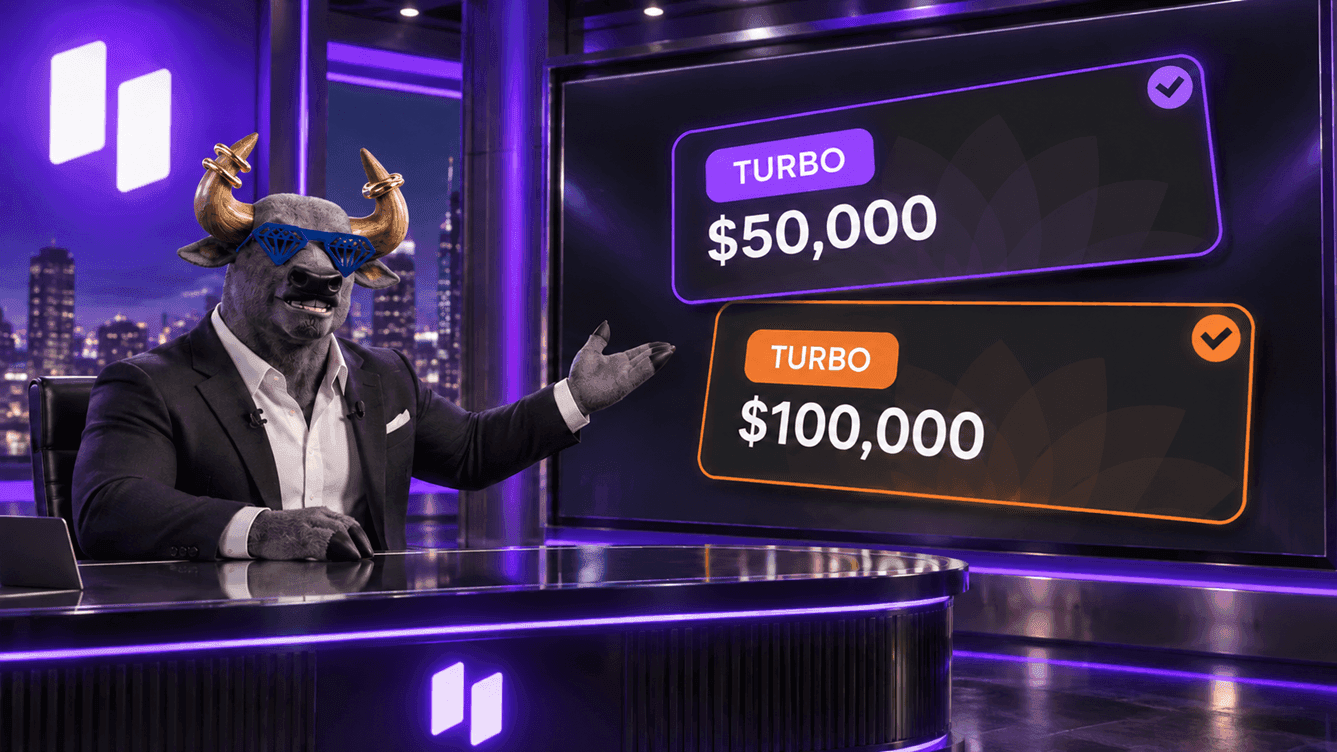
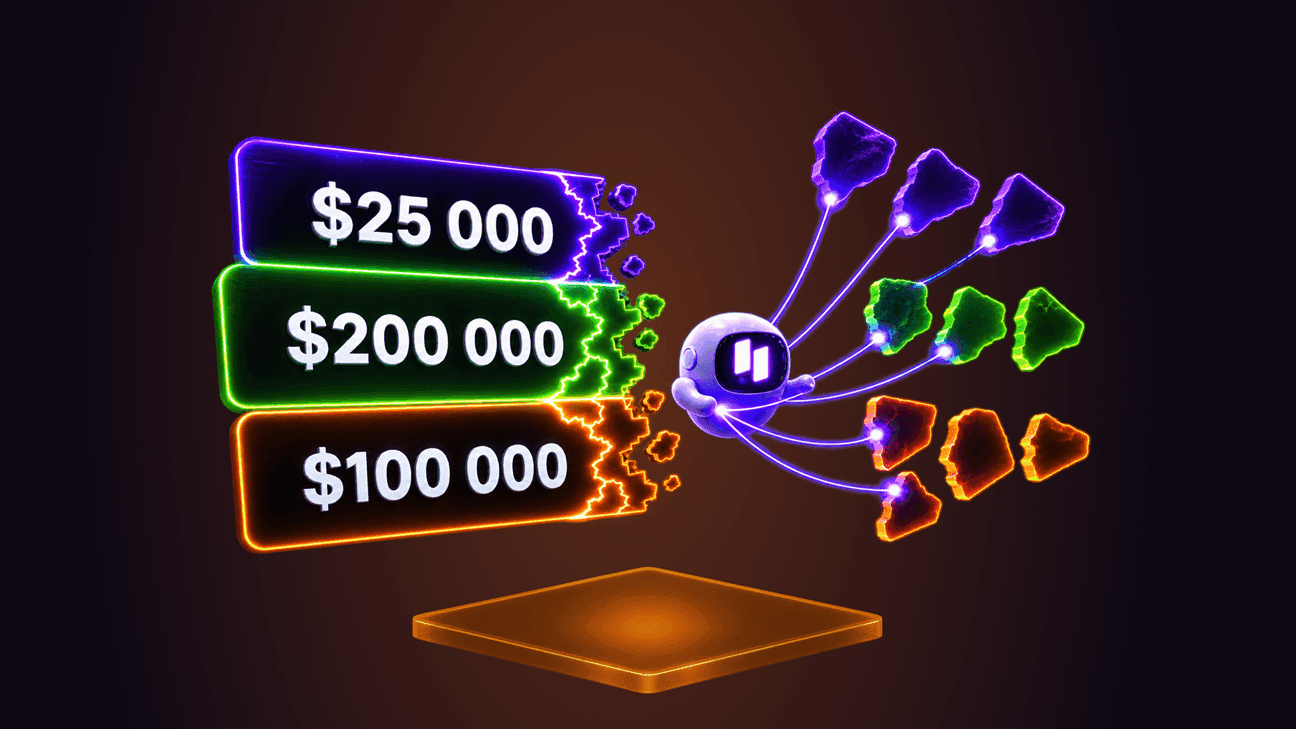
Turbo is a funded account from the moment of purchase, with no evaluation phases. It is now available at larger sizes too.
| Account size | Crypto | RWA | ALL |
|---|---|---|---|
| $50,000 | $1,499 | $1,349 | $1,799 |
| $100,000 | $2,999 | $2,699 | $3,599 |
Trading terms are standard for Turbo: a 6% dynamic drawdown from the highest balance, 5 profit days for a payout and the 30% rule. All parameters are on the Getting Started page.
If you have a proven strategy, you can start trading a $50,000 or $100,000 account straight away — without going through evaluation phases.
A $100,000 cap on Turbo accounts
The combined notional of one trader's active Turbo accounts is capped at $100,000 — for example, one $100,000 account or two of $50,000. This cap has nothing to do with the $400,000 cap for Basic and Accelerated funded accounts: the two are counted independently.
If a new Turbo account does not fit within the cap, it is still created but paused until room frees up — for example, after another Turbo account closes. An account cannot be partially activated. Paused, archived, failed, demo and tournament accounts do not count towards the cap. More on the Scaling page.
This means Turbo accounts can run alongside your main funded accounts: their cap does not reduce the $400,000 available for Basic and Accelerated accounts.
API trading

The API Trading option opens up programmatic trading on a specific challenge: you can connect a trading bot, your own scripts or analytics tools to the account. At the time of publication the option is free.
API access can be enabled on accounts from $10,000 — when buying a challenge or on an active one, until it moves to the funded stage. On demo accounts the option is activated when the challenge is created.
With the API enabled, additional rules apply to the account — to both API and manual trades:
- a request rate limit;
- a 60-second profit adjustment: profit on a position closed less than 60 seconds after it was opened or increased is not counted;
- the 30% rule: the single most profitable day must not account for 30% or more of total profit.
The option cannot be switched off once activated. It is meant for those who genuinely trade algorithmically — if you trade manually, there is no reason to enable it.
An API key is created in the terminal, in the API section of your account settings. How to get a key and send your first requests is covered in the Quick start section, with step-by-step instructions and ready-to-run JavaScript and Python examples.
This lets you automate your strategy: a bot executes trades strictly by your rules, without emotional decisions, and does not miss signals while you are away from the terminal.
Rule changes

Index positions are closed before the weekend
The US500, NAS100, US30, US2000, GER40 and EU50 indices close for the weekend. A position opened just before the close is carried across two days of closed market — and on Monday the price may open at a very different level. That is why a new rule now applies to fresh positions:
- if a position on a US index is opened or increased on Friday between 19:00 and 21:00 UTC, it is closed in full at market price at 20:59 UTC, and its linked stop loss, take profit and trailing stop are cancelled;
- GER40 and EU50 close for the weekend an hour earlier, so everything shifts by an hour for them: the control window is 18:00 to 20:00 UTC and positions are closed at 19:59 UTC;
- in the final minute before the market closes, close-only mode applies: positions cannot be opened or increased, but can be closed;
- the rule applies regardless of the position's direction and size, profit or loss, challenge format and how it was opened — in the terminal or through the API.
Increases count too: if a US500 position was opened in the morning and more volume was added at 19:30 UTC, the whole position is closed at 20:59 UTC. Times are given for the summer period: after the US switches to winter time on November 1, the windows move one hour later. Positions opened before the control window and not increased afterwards are carried over the weekend as usual. The closed position shows an explanatory note in the operation history. More on the Challenge & Trading Rules page.
This keeps fresh positions from being exposed to a Monday opening gap, when the market has been closed for two days and there is no way to react to price moves. It lowers your risk of breaching the drawdown limit because of something that happened over the weekend.
An extra check when moving between phases
Moving to the next phase is now checked against the actual trading result of the stage. This protects against cases where the balance reached the target because of a technical failure rather than through trades.
Normally the check takes a few seconds and goes unnoticed. If the result does not match the target, the account goes to manual review: trading is temporarily blocked, and the phase move button changes to show that the account is under review. The chart, account metrics and operation history stay available. The status updates automatically once a decision is made, and if the review takes longer than 12 hours, a button to contact support appears in the window.
This way a phase can only be passed with a real trading result, and the conditions stay equally fair for everyone. With normal trading, the check does not slow down your move.
Tournaments: the current phase counts
In challenge tournament leaderboards, an account is now shown only in the tab of its current phase — Phase 1, Phase 2 or Funded. Passed phases no longer affect other participants' ranks, and the All tab still shows the overall result for the whole tournament. More on the Tournaments page.
The ranks in each tab now reflect real competition: you compete with those who are trading on the same phase right now.
Referral rewards are based on the challenge price
The base for referral rewards is now the price of the challenge itself, without additional options. For example, if a referral buys a $100 challenge with $20 of options, at a 20% rate the referrer receives $20 — calculated on $100, not $120. Discounts on the challenge itself are taken into account as before, and rewards already paid are not recalculated.
This makes the calculation transparent: the reward depends only on the price of the challenge the referral bought, and it is easy to work out in advance.
Changing your referrer and interface improvements

You can now change your referrer yourself: go to the Referrals section, tap the edit icon in the block showing who invited you and enter the new referrer's referral code. A change is available before your first purchase, no more than three times and no more often than once every 45 days. More on the Account Setup page.
If you arrived through someone's link by chance or want to work with a different partner, you can now fix that yourself, without contacting support.
A few terminal improvements: the time of the next funding charge is now shown right in the position details, the All Markets tab is available in the mobile version, digits in numbers are grouped with commas, table rows can be copied, and the Save button is back on the chart. Bybit Wallet has been removed from the WalletConnect wallet list — any other wallet on the list works for signing in and paying.
This saves you extra steps: key position information is always at hand, and the full list of markets is available on mobile too.
Key takeaways
The main change in September is market choice. Upscale now covers not only cryptocurrencies and classic RWA, but also stocks of leading US and South Korean tech companies, including chipmakers, the Asian KR200 index, natural gas and copper. That opens new opportunities for diversification and trading on corporate news — including at weekends, when traditional exchanges are closed. Terms on the new markets are familiar: x5 leverage on stocks and x10 on the index and commodities, fees from 0.003% and 0.025% daily funding.
The path to trading a large account has become more flexible. Turbo accounts at $50,000 and $100,000 let you start straight at the funded stage, with no evaluation phases, and their $100,000 cap applies on top of the $400,000 for Basic and Accelerated challenges. Algorithmic traders now have the API Trading option — free at the time of publication. Additional rules apply to the account along with it, so it is designed specifically for automated trading.
Trading on Upscale has become safer and fairer. Fresh index positions are no longer exposed to a weekend gap, moving between phases is confirmed by a real trading result, and tournament ranks reflect competition on the current phase. Referral rewards are calculated transparently, you can change your referrer yourself, and the terminal is more convenient: the next funding time is shown in the position, and the full market list is available on mobile too.
Start now: 👉 Upscale.trade | Telegram bot
Documentation: 📖 Upscale Docs
Follow us: 📺 YouTube | 𝕏 Twitter
Community: 💬 Telegram chat | 🎮 Discord
Frequently asked questions
What new instruments were added to Upscale in September?
15 markets were added. "24/7 Stocks" gained MU, AMD, INTC, MRVL, PLTR, CRCL, LITE, CRWV, COIN, SMSN, HYUNDAI and SKHY. "Indices" gained the South Korean KR200. "Commodities" gained natural gas and copper.
Can I trade the new stocks at weekends?
Yes. All new stocks, KR200 and natural gas trade around the clock, including weekends and holidays. The exception is a 10-minute pause around the start of the main exchange session on regular trading days. Copper follows the exchange schedule: from Sunday 22:00 to Friday 21:00 UTC (US summer time) with a daily break.
How much do the $50,000 and $100,000 Turbo accounts cost?
The $50,000 account costs $1,499 in the Crypto category, $1,349 in RWA and $1,799 in ALL. The $100,000 account costs $2,999, $2,699 and $3,599 respectively. A Turbo account opens straight at the funded stage, with no evaluation phases.
Can I hold several Turbo accounts at once?
Yes, as long as their combined notional does not exceed $100,000. This cap is counted separately from the $400,000 cap for Basic and Accelerated funded accounts. If a new Turbo account does not fit within the cap, it is created paused and activated once room frees up.
How much does API trading cost?
At the time of publication the API Trading option is free. It is available on accounts from $10,000 and can be enabled when buying a challenge or on an active challenge before it moves to the funded stage. Along with the option, the 60-second profit adjustment and the 30% rule apply to the account, and it cannot be switched off. An API key is created in the terminal, in the API section of your account settings, and step-by-step instructions with code examples are in the Quick start section of the documentation.
Why was my index position closed on Friday evening?
If a US500, NAS100, US30 or US2000 position is opened or increased on Friday between 19:00 and 21:00 UTC, it is closed automatically at 20:59 UTC so that fresh risk is not carried over a closed market. For GER40 and EU50 the window is an hour earlier: 18:00 to 20:00 UTC, with the close at 19:59 UTC. Times are given for US summer time; from November 1 the windows move one hour later. Positions opened before the window and not increased afterwards stay open over the weekend.
What does it mean if my account is under review after moving to the next phase?
The automatic check found that the stage result did not match the target, and the account was sent for manual review. Trading is blocked during that time, while the rest of the account data stays available. The status updates automatically, and if the review lasts longer than 12 hours, a button to contact support appears in the window.
How do I change my referrer?
In the Referrals section, tap the edit icon in the block showing who invited you and enter the new referrer's referral code. A change is available before your first purchase, no more than three times and no more often than once every 45 days.