Upscale updates, October 2026

Upscale's October update adds four new markets: Oracle, Broadcom and TSMC stocks in the "24/7 Stocks" category and the Japanese JP225 index. The terminal gets position reversal, and you can now connect your own AI agent — ChatGPT, Claude, Claude Code or Cursor — to accounts with the API Trading option. Price deviation in the position info is now split into spread and volume impact, and you can set its maximum yourself. Some rules have changed too: Forex trading is restricted around major US news, and a trade that would immediately breach the daily drawdown limit is no longer executed. Below is a closer look at each change.
New markets: Oracle, Broadcom, TSMC and the JP225 index

The "24/7 Stocks" category gains three major tech companies: Oracle (ORCL), Broadcom (AVGO) and TSMC (TSM). It now has 23 tickers. "Indices" adds JP225 — the platform's second Asian index after KR200. It tracks 225 leading Japanese companies.
| Ticker | Instrument | Leverage: Basic and Accelerated | Leverage: Turbo |
|---|---|---|---|
| ORCL | Oracle | x5 | x2 |
| AVGO | Broadcom | x5 | x2 |
| TSM | TSMC | x5 | x2 |
| JP225 | Japan 225 Index | x10 | x3 |
The full list of instruments, open interest caps and trading hours is on the Trading Assets page.
This widens your choice for trading news on chips and cloud technology, while JP225 opens up the Japanese market, which is active during the hours when US and European exchanges are closed.
When the new markets trade
All times here and below are in UTC on the US winter-time schedule, which takes effect on November 1. Until then, everything tied to US time happens one hour earlier in UTC.
ORCL, AVGO and TSM trade around the clock, including weekends and holidays, under the same rules as the other US 24/7 stocks. On regular US trading days the market closes for 10 minutes around the exchange open — from 14:25 to 14:35 UTC. TSM trades in the US as depositary receipts, so it follows the same schedule and spreads as US stocks.
JP225 trades 23/5, that is, almost around the clock on weekdays: from Sunday 23:00 to Friday 22:00 UTC with a daily break from 22:00 to 23:00 UTC. The market closes for the weekend.
Fees, spread and funding
The fee to open and to close a position on the new stocks is 0.003% on Basic and Accelerated challenges and 0.02% on Turbo accounts, the same as on the other 24/7 stocks. JP225 follows the index rates: 0.0035% and 0.01% respectively.
The spread — the difference between the buy and sell price — depends on the trading session. On the new stocks it is 0.09% during the main US exchange session, 14:30 to 21:00 UTC on weekdays, 0.14% outside the session and on US holidays, and 0.20% at weekends. On JP225 the spread is 0.01% during the main Tokyo session — 00:00 to 02:30 and 03:30 to 06:30 UTC — and 0.02% at other times. The rates for every group are on the Fees page.
Funding — the fee for holding an open position — is 0.025% a day, charged at 21:00 UTC. On the new stocks it is charged every day, including weekends. JP225 closes for the weekend, so it carries a triple 0.075% rate on Friday and no charges on Saturday and Sunday. More on the Funding page.
Terms on the new markets match the familiar 24/7 stocks and indices, so your costs are easy to work out in advance.
Index prices no longer jump on contract rollover
The prices of the US500, NAS100, US30, US2000, GER40 and EU50 indices, as well as HG copper, are formed from futures markets, and futures regularly roll over to a new main contract. The price is now calculated from two contracts at once, weighted by the time left to expiry — the date the contract ends. So the price does not jump when the contract changes: the rollover does not affect PnL or trigger stop losses, take profits, liquidations or drawdown breaches. More on the Price Oracles page.
Position reversal
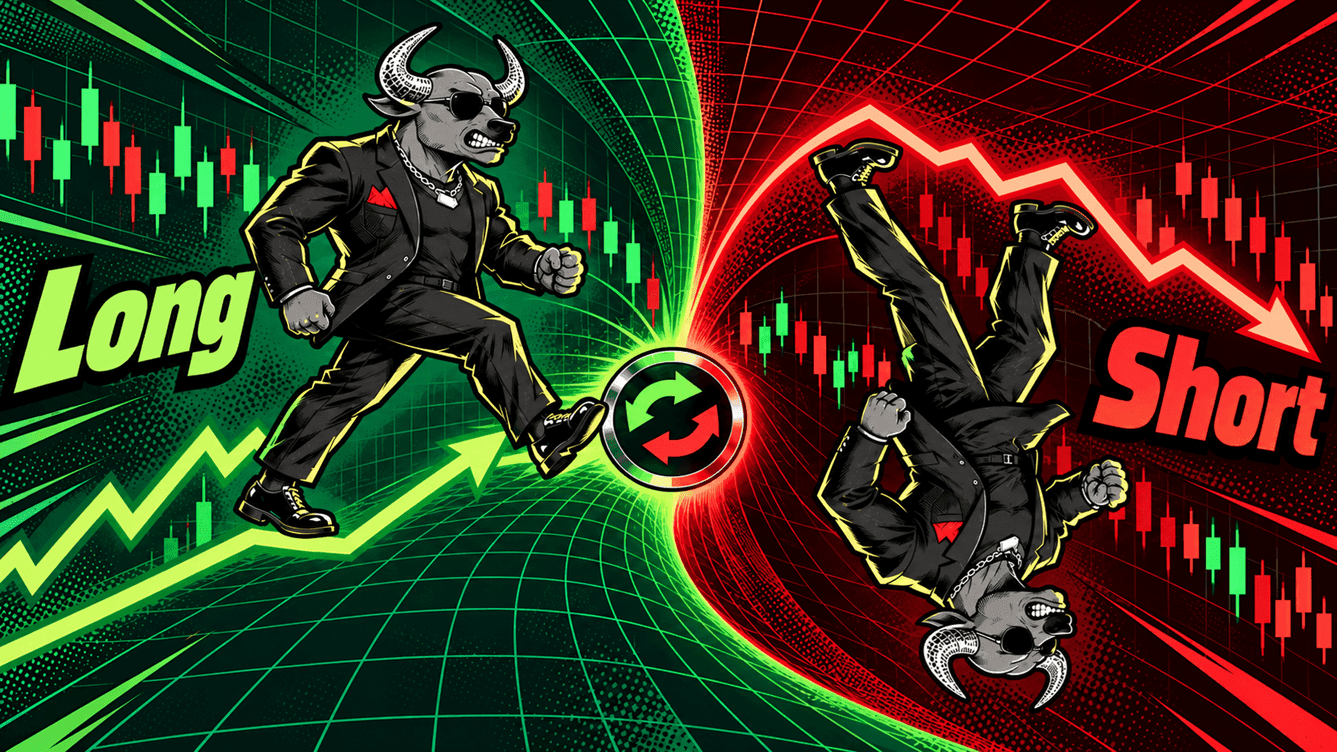
Reversal flips an open position in a single action: the position is closed in full, and a new one is opened straight away on the same instrument in the opposite direction. For example, a 0.1 BTC long (a bet on a rise) becomes a 0.1 BTC short (a bet on a fall) after a reversal.
The new position's parameters:
- its size equals the size of the closed position;
- leverage is the same as the original position had when it was last opened or increased;
- the new position is opened at market price;
- stop loss and take profit are not carried over — set them again if needed.
By default, a confirmation window with the direction, size and leverage of the new position appears before the reversal. The confirmation can be turned off in the terminal settings; in the mobile version it is always shown. Reversal is unavailable while the trading pair is paused or in close-only mode.
The close and the open are executed one after the other. If the original position closed but the new one could not be opened — for example, because the close moved the account to the next stage — the reversal completes partially: the original position stays closed, and the platform shows a notification with the reason. More on the Positions and Leverage page.
If the market turns against your position, you can flip it in one action — without closing it manually, re-entering size and leverage or losing time during a fast move.
Connecting an AI agent via MCP
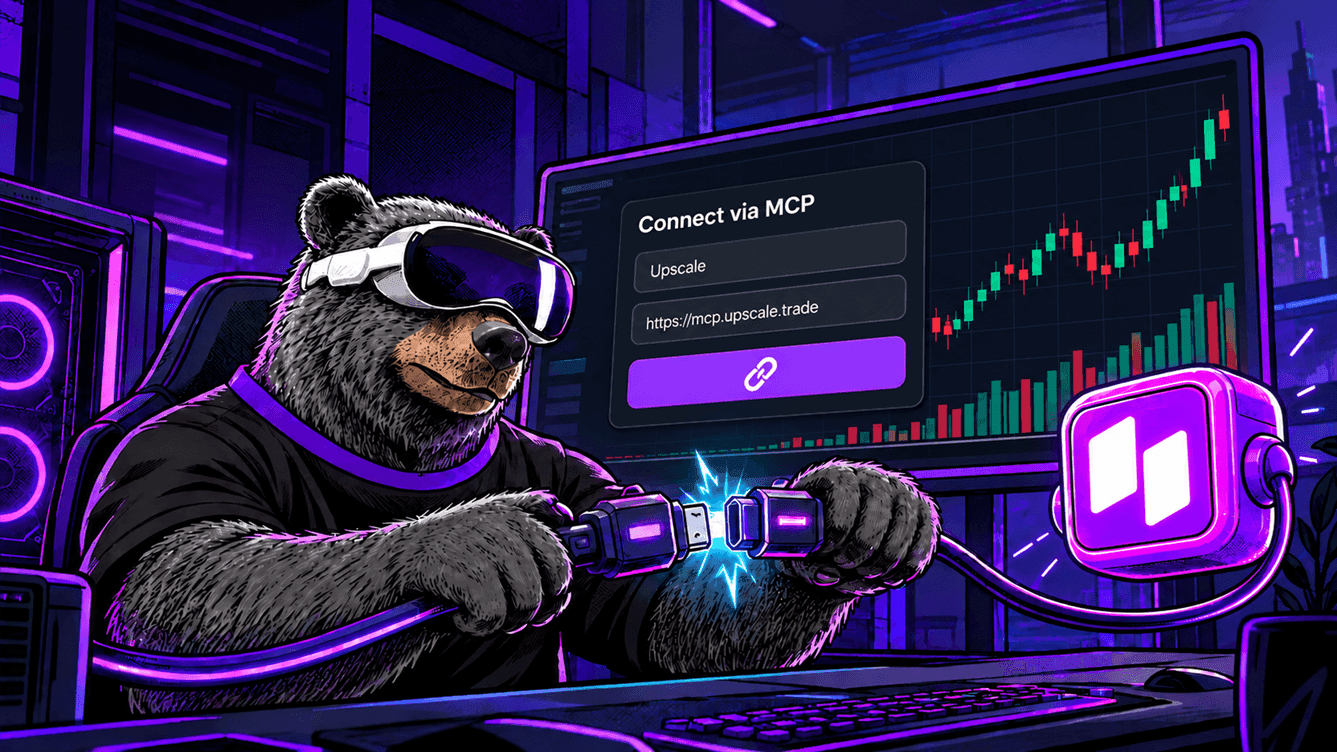
You can now connect your own AI agent — ChatGPT, Claude, Claude Code or Cursor — to accounts with the API Trading option. The agent works over MCP, an open protocol that lets AI assistants connect to external services. The agent shows account data and open positions and can place orders at your request.
There are two ways to connect an agent:
- By server address
. In the API and MCP settings, go to the MCP tab, click "Connect" and choose your agent — each one has step-by-step instructions. After you add the address, the agent opens a confirmation page where you click "Allow access".https://mcp.upscale.trade - By API key. The server address and the key are added to the agent's configuration.
Connections made by server address appear on the MCP tab, where any of them can be disconnected with one button. Accounts connected to an agent are subject to all the API Trading rules, including the 60-second profit adjustment and the 30% rule. If you have no eligible accounts, the platform offers to enable the option or to try the agent on a demo account. More on the API Trading page.
The agent places real orders, so it is best to test new scenarios on a demo account first.
This lets you work with your account in plain language: ask the agent about open positions, have it review your results or place an order — without writing code.
Price deviation: spread and volume impact shown separately

When you open or increase a position, the execution price can differ from the current market price. The Position info block now breaks this deviation down into three rows:
| Parameter | What it shows |
|---|---|
| Price deviation | the total expected deviation of the entry price: Est is the estimate for the current position parameters, Max is the permitted limit |
| Spread | the fixed component: it does not depend on position size |
| Volume impact | the dynamic component: it grows with trade size and depends on current market depth |
When a position is increased, volume impact is calculated on the added size only.
Your own maximum deviation
You can set Max yourself: click the value in the Price deviation row and enter a limit as a percentage. By default it is 4%, or the pair's system limit if that is lower; the minimum is 0.1%, and the maximum is the pair's system limit. The setting is saved separately for each pair. Deviation is checked right before execution, and for pending orders at the moment they trigger: if it exceeds Max, the trade is not executed. More on the Fees page.
This way you see in advance what your entry price is made of and decide for yourself how much deviation you are willing to accept — especially on large sizes and less liquid pairs.
Rule changes

Forex and major US news
Releases of major US macroeconomic data — such as labour market or inflation figures — cause sharp moves in currency pairs with the dollar. Forex positions can no longer be opened or increased from 5 minutes before until 5 minutes after such events. The rule currently applies to all Forex pairs on the platform, since they all include the US dollar.
During this time, positions can still be closed and reduced, and stop losses and take profits trigger as usual. A limit order to open a position that triggers inside this window is not executed. The events calendar in the terminal shows when the restriction applies. More on the Events Calendar page.
This protects you from entering at peak volatility, when the price can move sharply against your position within seconds.
A trade is not executed if it would immediately breach the daily drawdown
Daily drawdown is the maximum loss allowed in a trading day; once it is reached, the account is closed. When you open a position, you pay the spread and fee straight away, and if there is little room left before the limit, those costs alone can be enough to breach it.
The platform now checks for this before a position is opened or increased. If the spread and fee would immediately breach the daily drawdown limit, the trade is not executed, and a warning appears instead, showing your current room to the limit and the expected cost of the operation. The order parameters you entered are kept. More on the Challenge & Trading Rules page.
This way the account cannot fail because of the trade itself before the price has even moved.
Volume impact takes recent trades into account
On crypto pairs, volume impact now takes into account your recent opens and increases on the same pair, in the same direction and on the same account. Splitting a large trade into several smaller ones in quick succession therefore does not reduce the total volume impact. The volume taken into account decreases to zero over time. When recent trades affect the calculation, this is shown in the volume impact tooltip, and in the history such operations carry a marker next to the entry price showing the volume taken into account.
Total costs now depend on the actual entry size, not on how many parts it is split into, so the conditions are the same for every trader.
JP225 closes before the weekend
JP225 follows the same rule as US indices. If a position is opened or increased on Friday between 20:00 and 21:59 UTC, it is closed in full at market price at 21:59 UTC, and its linked stop loss, take profit and trailing stop are cancelled. Positions opened earlier and not increased afterwards are carried over the weekend as usual. More on the Challenge & Trading Rules page.
This keeps fresh positions from being exposed to a gap — a sharp price jump at the market open after the weekend, when the market has been closed for two days and there is no way to react to price moves.
More accounts, partner analytics and support chat

Up to 5 active real accounts
You can now hold up to 5 active real accounts at once instead of 4. The total notional caps are unchanged: $400,000 for Basic and Accelerated funded accounts and $100,000 for Turbo accounts. More on the Getting Started page.
This gives you more freedom if you trade different strategies or markets in parallel.
Advanced analytics for partners
Partners with 5 or more active referrals — those who have made at least one purchase — get an Advanced analytics block on the referral programme page. It brings together referral revenue and purchases, conversion from sign-up to repeat purchases, trends in revenue and average order value, reward history, and the list of referrals and sub-partners. Data can be viewed for a period of up to one year, and the analytics are available in the desktop version. More on the Upscale Workspace page.
This shows how your referral revenue and conversion are changing, so you can build your partner work on data rather than guesswork.
Support chat in the app
A support chat is now built into the Upscale web app. You write from your own account, so the support team does not need to ask who you are or which account you mean. In the mobile version, the chat opens from the Support menu.
You can ask a question without leaving the terminal or explaining your account details again.
Key takeaways
The October update expands market choice in two directions. Oracle, Broadcom and TSMC stocks bring chip and cloud companies to the "24/7 Stocks" category, while the JP225 index opens up the Japanese market, which trades during the hours when US and European exchanges are closed. Terms on the new markets are familiar: leverage up to x5 on stocks and up to x10 on the index, fees from 0.003% and 0.025% daily funding.
Working with positions has become more convenient and transparent. Reversal flips a position in one action, price deviation is now shown by component — spread and volume impact separately — and you can set your own maximum for each pair. If you use AI assistants, you can now connect ChatGPT, Claude, Claude Code or Cursor via MCP to accounts with the API Trading option.
The rules now protect traders at moments of higher risk. Forex positions cannot be opened from 5 minutes before until 5 minutes after major US news, a trade that would immediately breach the daily drawdown limit is not executed, and volume impact on crypto pairs takes recent trades into account. On top of that, the number of active real accounts has grown to 5, partners have advanced analytics, and a support chat is built into the app.
Start now: 👉 Upscale.trade | Telegram bot
Documentation: 📖 Upscale Docs
Follow us: 📺 YouTube | 𝕏 Twitter
Community: 💬 Telegram chat | 🎮 Discord
Frequently asked questions
What new instruments were added to Upscale in October?
Four markets were added. "24/7 Stocks" gained Oracle (ORCL), Broadcom (AVGO) and TSMC (TSM). "Indices" gained the Japanese JP225, which tracks 225 leading Japanese companies.
Can I trade Oracle, Broadcom and TSMC stocks at weekends?
Yes. ORCL, AVGO and TSM trade around the clock, including weekends and holidays. The exception is a 10-minute pause around the US exchange open on regular trading days, from 14:25 to 14:35 UTC. JP225 trades 23/5 and closes for the weekend.
How does position reversal work?
Reversal closes an open position in full and immediately opens a new one of the same size on the same instrument in the opposite direction, at market price. Leverage is kept, while stop loss and take profit need to be set again. By default, a confirmation window appears before the reversal — it can be turned off in the terminal settings.
Which AI agents can I connect to Upscale, and how?
ChatGPT, Claude, Claude Code and Cursor are supported. The agent connects via MCP at
https://mcp.upscale.tradeHow do I set the maximum price deviation?
Click the Max value in the Price deviation row of the position info and enter a limit as a percentage: from 0.1% up to the pair's system limit. By default it is 4%, or the pair's system limit if that is lower. The setting is saved separately for each trading pair, and if the deviation exceeds Max at execution, the trade is not executed.
Why can't I open a Forex position?
A restriction around a major US macroeconomic release may be in effect: from 5 minutes before the event until 5 minutes after it, Forex positions cannot be opened or increased. Closing and reducing positions is allowed. Upcoming events and restriction windows are shown in the events calendar in the terminal.
Why was my trade not executed, with a daily drawdown warning shown instead?
The spread and fee on that trade would have immediately breached the daily drawdown limit, so the platform did not execute it. The warning shows your current room to the limit and the expected cost of the operation. The parameters you entered are kept — you can reduce the size and try again.
How many real accounts can I hold at once?
Up to 5 active real accounts. The total notional caps are unchanged: $400,000 for Basic and Accelerated funded accounts and $100,000 for Turbo accounts.
Who has access to advanced analytics for partners?
Partners with 5 or more active referrals, meaning invited users who have made at least one purchase. The Advanced analytics block appears on the referral programme page and is available in the desktop version.