Mobile Prop Trading 2026: Trading From Your Phone | Upscale

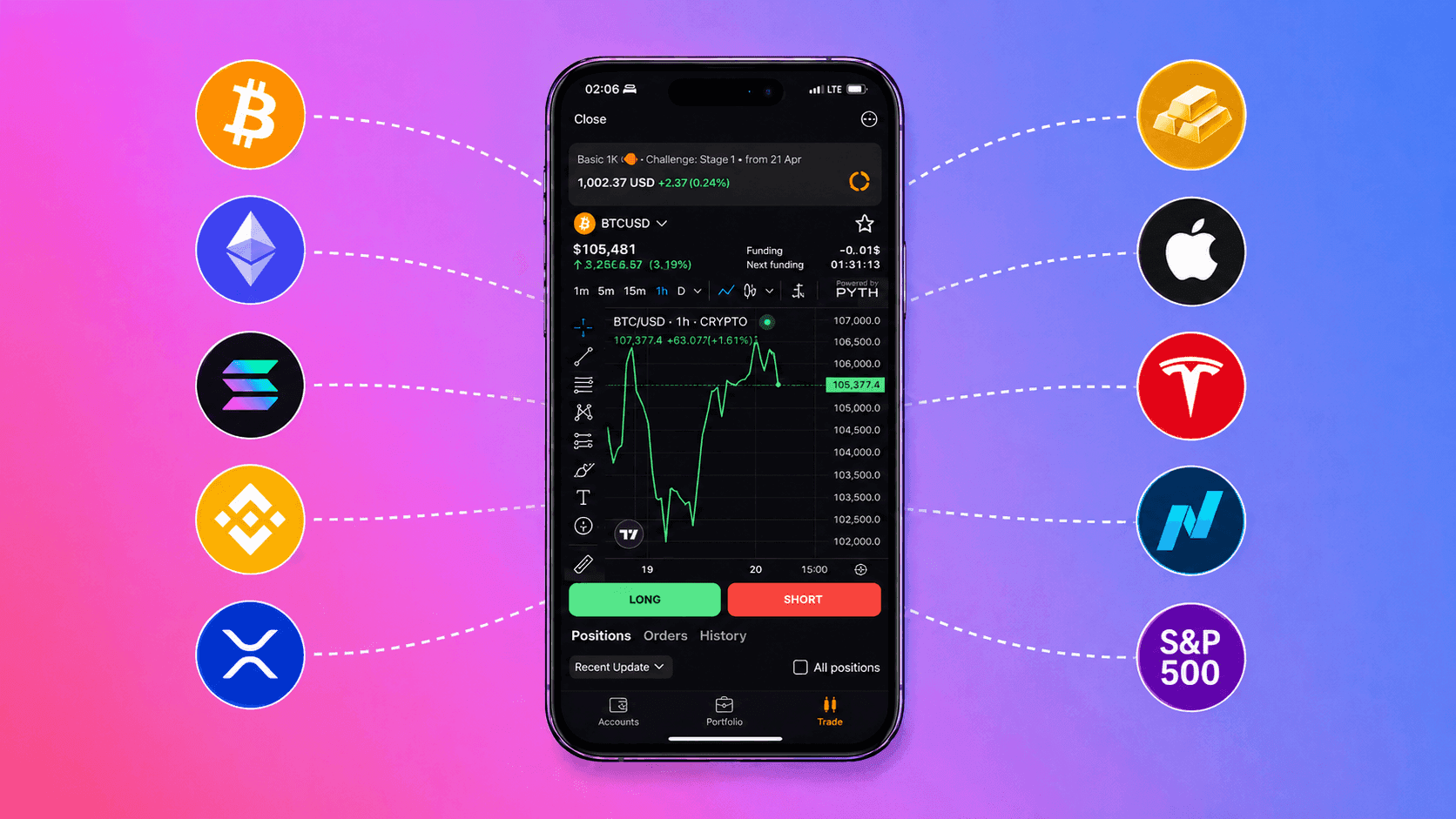
According to Brokers International, over 60% of retail crypto trades in 2025 are executed from mobile devices. Binance, Bybit, OKX — every major exchange has made its mobile app the primary interface, not a supplement to desktop. But prop trading has largely ignored this shift. Most prop firms still operate through desktop terminals like MT5 and cTrader, and "mobile access" means a stripped-down version of MT5 Mobile with limited functionality. For a trader who balances trading with a full-time job, travels, or simply prefers managing finances from a phone, this creates a gap: exchange trading went mobile years ago, but prop didn't. In 2025–2026, that started changing. Several firms launched mobile solutions — from full iOS apps to Telegram bots. This breakdown compares the mobile capabilities of crypto prop firms: what you can actually do from a phone, what still requires a desktop, and for whom mobile prop trading changes the game.
Why Prop Trading Fell Behind the Mobile Trend
Retail crypto trading went mobile in 2020–2021. Binance and Bybit built mobile apps that handle everything from opening positions to withdrawing funds. Forex brokers moved MT5 to mobile even earlier.
Prop firms lagged for three reasons:
MT4/MT5 infrastructure. Most prop firms were built on licensed MetaQuotes terminals. MT5 Mobile exists, but it's a stripped-down client — limited charts, no advanced order types, clunky interface for fast decisions. After MetaQuotes began revoking prop firm licenses in 2024, MT5 Mobile became an even less reliable option.
Development priorities. Prop firms spent resources on challenge models, drawdown systems, and payouts — not user experience. Mobile access stayed in the "later" bucket.
Prop-specific complexity. Risk management on a prop account is stricter than on a personal account: daily drawdown, maximum drawdown, consistency rules. One mis-tap can cost a funded account. This creates a real engineering challenge — the mobile interface needs to be not just convenient, but safe for prop trading.
What You Can Do From a Phone vs What Needs a Desktop
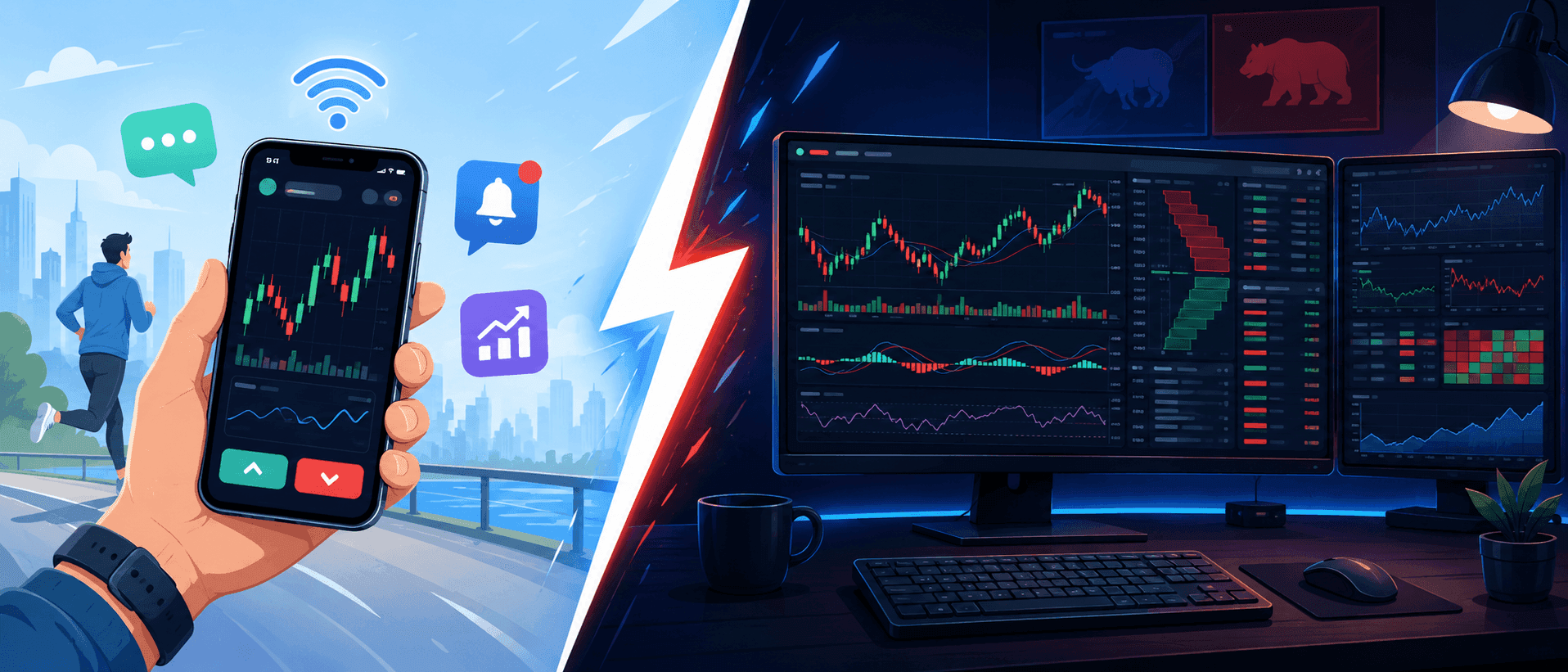
Not everything in prop trading needs a computer. Here's an honest breakdown:
From a phone — convenient and safe
Buying a challenge. Choose the type, pay, get access — no desktop needed. On Upscale, this takes 30 seconds through the Telegram bot. Payment by crypto or bank card, without opening a browser.
Monitoring your account. Current balance, daily P&L, remaining drawdown buffer — information you need to check several times a day. Mobile access lets you stay on top of your account without being tied to a desk.
Managing open positions. Moving a stop-loss to breakeven, taking partial profit, closing a position as you approach the drawdown limit — operations where speed matters more than deep analysis.
Receiving alerts. Notifications about approaching daily or maximum drawdown, stop-loss triggers, or target hits arrive instantly on your phone.
From a desktop — safer
Full technical analysis. Chart markup, drawing levels, multi-timeframe analysis — everything that requires a large screen and precise cursor placement. TradingView works on mobile, but drawing levels on a 6-inch screen is a compromise.
Opening new positions with a full plan. When you open a trade on a prop account, you need to precisely calculate position size, set stop-loss and take-profit before entry. Desktop is safer — less chance of a number error.
Backtesting and preparation. Reviewing past trades, maintaining a trading journal, preparing for a session — tasks for a bigger screen.
Mobile Capabilities Across Prop Firms: Comparison
| Firm | Mobile Solution | Buy From Phone | P&L Monitoring | Position Management | Alerts |
|---|---|---|---|---|---|
| Upscale | Telegram mini-app | ✅ one tap | ✅ real-time | ✅ | ✅ Telegram push |
| Breakout | iOS app | ✅ | ✅ | ✅ | ✅ |
| HyroTrader | Bybit mobile | ❌ buy via website | ✅ via Bybit | ✅ via Bybit | ✅ via Bybit |
| CFT | Bybit mobile + website | ❌ buy via website | ✅ | ✅ via Bybit | ✅ |
| FTMO | MT5 Mobile | ❌ buy via website | ⚠️ limited | ✅ basic | ⚠️ via MT5 |
| FundedNext | MT5/cTrader Mobile | ❌ buy via website | ⚠️ limited | ✅ basic | ⚠️ via MT5 |
| BrightFunded | MT5/cTrader Mobile | ❌ buy via website | ⚠️ limited | ✅ basic | ⚠️ via MT5 |
| GFT | MT5 Mobile + 4 platforms | ❌ buy via website | ⚠️ | ✅ | ⚠️ |
| Velotrade | DXtrade Mobile | ❌ buy via website | ✅ | ✅ | ⚠️ |
Four models of mobile access have emerged — and they differ fundamentally in what they offer.
Four Models of Mobile Prop Trading
Model 1: Messenger-Native (Upscale → Telegram)
Upscale is the only prop firm that operates natively inside Telegram. This isn't just a notification bot — the Telegram mini-app covers the full cycle:
- Choose and buy a challenge
- Pay with crypto or bank card
- Monitor balance and P&L in real time
- Manage open positions
- Receive push notifications about drawdown
Why Telegram instead of a standalone app? Telegram is already installed by 900+ million users. No separate download, no new account, no extra password. Prop trading comes to where the trader already is — instead of forcing them onto a new platform.
For full chart analysis, Upscale uses TradingView — available on both desktop and TradingView's mobile app. The combination of "Telegram for management + TradingView for analysis" covers both use cases without requiring a desktop.
Model 2: Exchange App (HyroTrader, CFT → Bybit)
HyroTrader and Crypto Fund Trader execute trades on Bybit. Traders use Bybit's mobile app — a full-featured terminal with charts, order book, and all order types.
Advantage: Bybit has one of the best mobile crypto terminals. If you already use Bybit, the transition is seamless.
Limitation: Buying challenges, monitoring drawdown, and interacting with the prop firm still happens through the desktop website. Bybit mobile gives access to trading, but not to the prop infrastructure.
Model 3: MT5 Mobile (FTMO, FundedNext, BrightFunded, GFT)
Most forex-oriented prop firms rely on MT5 Mobile (or cTrader Mobile). It works, but with limitations:
- Charts are basic — no TradingView-level tools
- Interface designed for forex, not optimized for crypto
- Drawdown monitoring not built in — calculate manually or check the firm's website
- Challenge purchase — desktop website only
MT5 Mobile is "you can trade from your phone" in the most literal sense. But a complete mobile prop experience (buy → trade → monitor → withdraw) it is not.
Model 4: Native App (Breakout → iOS)
Breakout (Kraken) released a full iOS app — the only native prop trading app in the App Store. You can buy challenges, trade, and monitor your account through it.
Advantage: Full cycle in one app with Kraken's institutional backing.
Limitation: iOS only (Android unconfirmed as of publication). Proprietary terminal — no TradingView or familiar tool integration. Limited to Breakout's crypto pairs (50+, but no other asset classes).
Practical Rules for Mobile Prop Trading
Trading from a phone on a prop account isn't the same as trading on a personal account. On a personal account, a position size error costs money. On a prop account, it costs the entire account. Five rules that reduce mobile trading risk.
Rule 1: Limit orders instead of market orders
On desktop, a market order is a quick way to enter at the current price. On mobile, it's a way to get slippage — the delay between tapping and execution is longer (mobile internet, interface rendering). On a prop account with tight drawdown, every point of slippage matters. Use limit orders — they execute at your price or better.
Rule 2: Set stop-loss and take-profit before entry
On desktop, you can open a position and set the stop "a second later." On mobile, that second becomes 10–15 seconds of interface navigation. The market can move against you in that time. Always set SL and TP simultaneously with the position — most mobile terminals allow this in a single order window.
Rule 3: Alerts instead of constant screen-watching
Staring at a 6-inch chart is a bad strategy. Instead, set up alerts:
- Alert when approaching daily drawdown (e.g., at 3% of a 5% limit)
- Alert on key price levels (TradingView offers free alerts)
- Alert on stop-loss or take-profit triggers
Upscale's Telegram bot sends push notifications about account status — balance, P&L, and drawdown proximity arrive as regular messages without opening a separate app.
Rule 4: Don't open new positions with bad internet
If your connection is unstable — monitor, but don't trade. Opening a position on an unstable connection can lead to double execution, a stuck order, or a missed stop-loss. Managing an existing position (moving a stop, closing) is less risky because the worst case is the order doesn't execute and the position stays as-is.
Rule 5: Separate analysis sessions from execution sessions
Split the process: analyze the market on a desktop or tablet (big screen, full TradingView), identify entry and exit levels, write down the plan. Then execute from your phone — via limit orders with pre-set SL and TP. The phone is for executing a pre-made plan, not for making decisions on the go.
Who Actually Benefits From Mobile Prop Trading
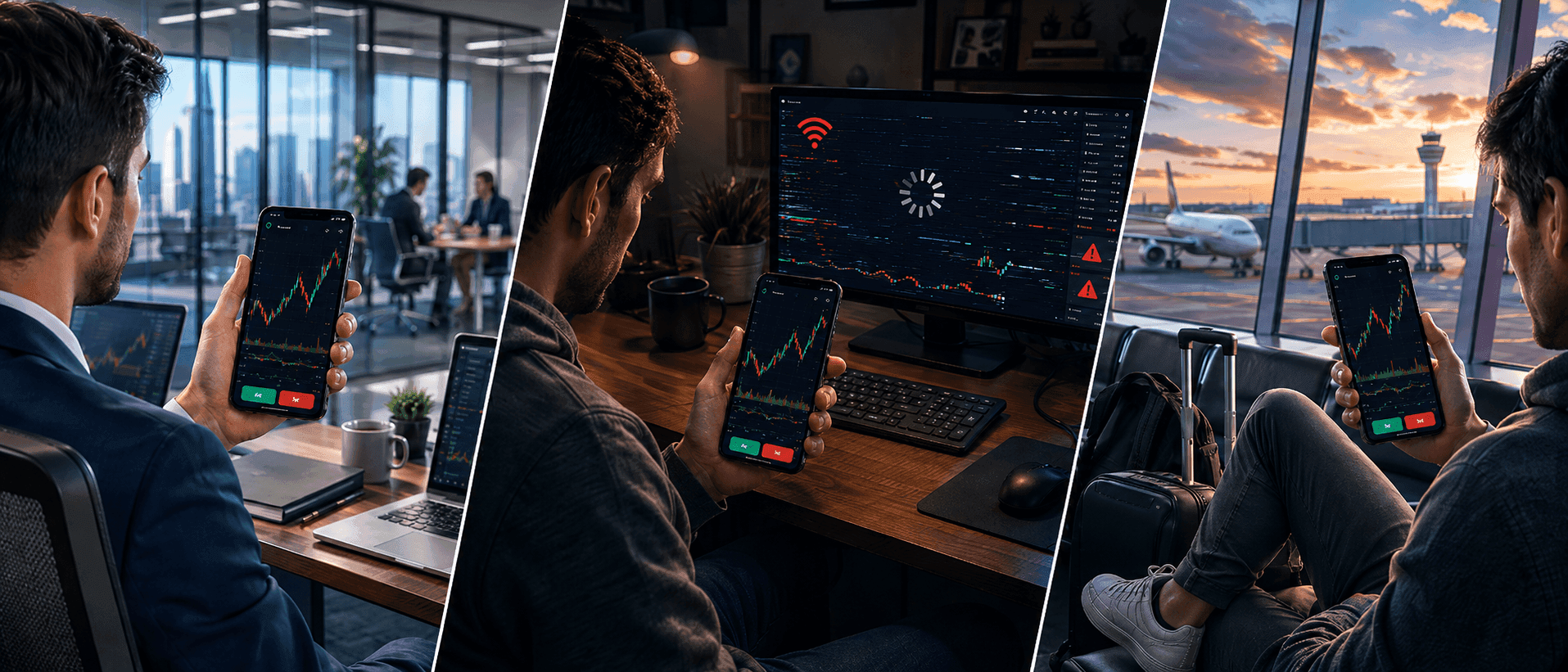
Traders with full-time jobs
The largest group. If you work 9-to-6 and trade crypto — the market is open 24/7, but your availability is limited. Mobile access lets you:
- Check P&L and drawdown buffer during a break
- Move a stop to breakeven if a position went profitable
- Close a position if the market turned against you
- Get an alert and react in a minute, not an hour
Ernest, who withdrew $1,308 from Upscale, trades ETH and NASDAQ intraday — short sessions, several trades. Mobile access for monitoring between sessions is a critical part of his process.
Traders in regions with unreliable desktop internet
In parts of Latin America, Africa, and Southeast Asia, mobile internet (4G/5G) is more stable than home broadband. For Maru Joshua Sugon, who withdrew $3,296 from Upscale, mobile access isn't convenience — it's necessity.
Traders who travel
If you're traveling with an open funded account, desktop isn't available. Mobile access lets you at minimum manage risk — close positions before a flight, check your balance in a new timezone, react to a flash crash from an airport.
Risks of Mobile Prop Trading
Honesty requires saying: mobile trading on a prop account carries additional risks that desktop doesn't have.
Input errors. On a small screen, it's easier to mistype a position size — entering 10 instead of 1 or fat-fingering a button. On a prop account, one such mistake can cost a day's drawdown.
Emotional trading. The phone is always in your pocket — the temptation to "quickly check the chart" and open an impulsive trade is higher than with a desktop you need to walk to and sit down at. The three-loss daily stop rule (from our challenge passing guide) is especially important here.
Security limitations. On no-KYC platforms (like Upscale), access is tied to your crypto wallet. Losing your phone without a seed phrase backup can mean losing account access. Use a hardware wallet for main funds and Telegram on a separate device with two-factor authentication.
The Future of Mobile Prop Trading
The trend moves in one direction: the full prop trading cycle from a mobile device. Currently, only two firms offer challenge purchase + trading + monitoring from a phone without needing a desktop: Upscale (via Telegram) and Breakout (via iOS app).
Other firms will inevitably follow — the question isn't "will mobile prop happen?" but "who will build the best mobile experience." As of publication, the Telegram model (Upscale) and the native app model (Breakout) are two competing approaches. The Telegram model scales faster: 900 million users already have the app. The native app gives more control over the interface but requires users to download yet another app.
For traders, the choice is simple: if mobile access is critical to you, verify whether the firm supports the full mobile cycle before buying a challenge — not after.
Methodology: Mobile capabilities were evaluated based on official websites, App Store / Google Play listings, and PropTradingVibes reviews. Functionality tested on Android and iOS devices. Data current as of May 2026.
Disclosure: Upscale is included in this comparison. We note where Upscale's mobile experience is stronger and where competitors (Breakout iOS, Bybit mobile) offer comparable or better solutions.
Key Takeaways
Mobile prop trading in 2026 is at the same stage that mobile exchange trading was in 2019: the capability exists, but most platforms haven't adapted yet.
Four models of mobile access have formed. Messenger-native (Upscale via Telegram) — full cycle from purchase to monitoring inside an app already installed by 900 million users. Native app (Breakout via iOS) — full cycle in a proprietary app with Kraken's institutional backing. Exchange app (HyroTrader, CFT via Bybit) — full trading capability through Bybit mobile, but challenge purchase only via desktop website. And MT5 Mobile (FTMO, FundedNext, BrightFunded) — basic mobile trading access without prop infrastructure management.
Mobile prop trading doesn't replace desktop — it complements it. Desktop for analysis and planning, mobile for execution and monitoring. Traders who separate these processes trade more safely. Those who try to do full analysis on a 6-inch screen increase their error risk.
For traders with full-time jobs, travelers, and those trading from regions with unreliable broadband, mobile access isn't a luxury — it's a necessity. Before buying a challenge, check: does the firm support the full mobile cycle, or does "mobile access" just mean a stripped-down MT5?
Start now: 👉 Upscale.trade | Telegram Bot
Follow us: 📺 YouTube | 𝕏 Twitter
Community: 💬 Telegram Chat | 🎮 Discord
Frequently Asked Questions
Can you trade a prop account from a phone?
Yes, but capabilities vary widely between firms. Upscale offers a full cycle through its Telegram mini-app — from buying a challenge to monitoring drawdown. Breakout has an iOS app. HyroTrader and CFT provide access through Bybit's mobile app. FTMO, FundedNext, and BrightFunded work through MT5 Mobile — functional but limited. Buying a challenge from a phone is only available at Upscale and Breakout.
Is it safe to trade a prop account from mobile?
With additional precautions, yes. Use limit orders instead of market orders (avoids slippage), always set stop-loss and take-profit before entering a position, and don't trade on unstable internet. The main risks of mobile trading are input errors (mistyping a volume) and impulsive decisions (the phone is always within reach). Separate the process: analysis on desktop, execution from phone following a pre-made plan.
Which prop firm is best for mobile trading?
For the full mobile cycle (buy + trade + monitor): Upscale (Telegram — Android and iOS) or Breakout (native iOS app). For trading through an exchange app: HyroTrader or CFT via Bybit mobile. For basic mobile access: any MT5-based firm, but with limitations. The choice depends on whether you need the full cycle from your phone or just the ability to monitor and close positions.
Can you fully trade a prop account from a phone only, without a computer?
Technically yes, especially on Upscale (Telegram + TradingView Mobile) or Breakout (iOS app). Practically, splitting the workflow is recommended: analysis and planning on a large screen (desktop or tablet), execution and monitoring from phone. Full technical analysis on a 6-inch screen is possible but increases the risk of markup errors and impulsive decisions.
Do you need a separate app for mobile prop trading?
Depends on the firm. Upscale works through Telegram — no separate app needed if Telegram is already installed. Breakout requires downloading its iOS app. HyroTrader and CFT use Bybit's mobile app. FTMO and others use MT5 Mobile or cTrader Mobile. In most cases, you'll need at least one additional app beyond your messenger.
Does mobile prop trading work in countries with poor internet?
Mobile internet (4G/5G) is more stable than broadband in many regions. For monitoring and managing positions (moving stops, closing), a minimal connection is sufficient. For opening new positions, a stable connection is needed — on unstable internet, limit orders are safer than market orders. Upscale's Telegram bot uses minimal data — drawdown and P&L notifications arrive as regular messages.