Upscale Updates, June 2026: PWA, AI Report, Chart Orders

Upscale has shipped a batch of updates that change the day-to-day experience of using the platform. A PWA app with push notifications no longer tied to Telegram, an AI report that breaks down your mistakes after an account fails, detailed real-time analytics, order placement directly from the chart, a redesigned pair selector, and the return of instant referral payouts. Six updates — each one solves a specific problem traders asked for. Below: what changed, how it works, and why it matters.
1. PWA app: Upscale without a browser, without Telegram
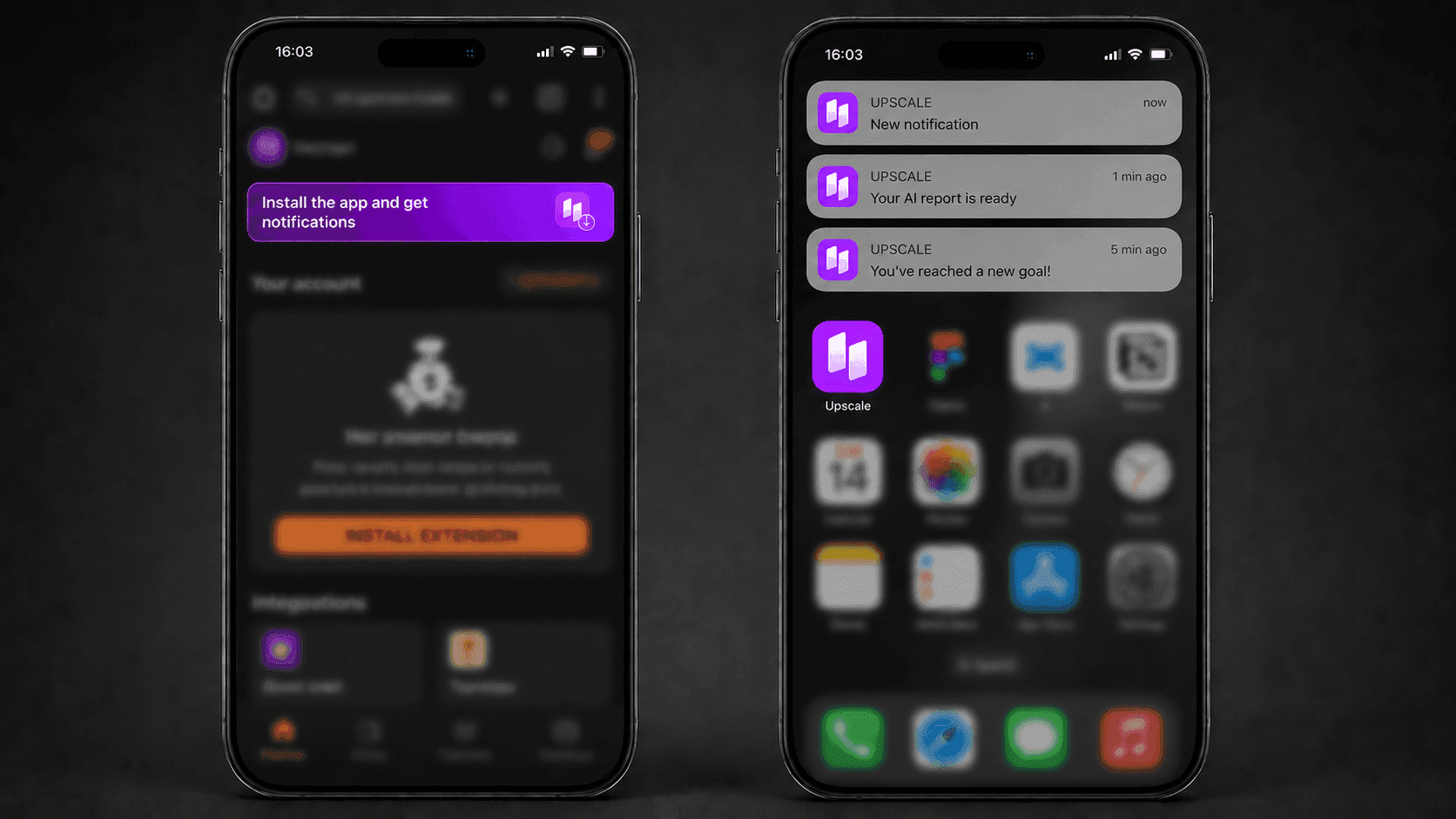
Upscale can now be installed as an app straight from your browser — onto your computer's desktop or your phone's home screen. It's effectively the same web interface, but in its own window: no address bar, no tabs, with its own icon in the dock or on the taskbar.
How to install: open app.upscale.trade, tap your profile → "Install app". Instructions for every OS (macOS, Windows, Android, iOS) are available right there.
What it gives you:
First, the app runs independently of your browser. No need to keep a tab open — Upscale launches as a standalone program, runs faster and more reliably.
Second — and this is the main one — push notifications. Until now, alerts about hitting take-profit, approaching your drawdown limit, or a stop-loss triggering only came through Telegram. That meant you had to stay online in Telegram, or use a VPN, to receive them. The PWA solves this: push notifications arrive directly through the app, with no middleman.
For traders who trade from desktop and don't want to depend on a messenger, this is a meaningful change.
2. AI report: a neural network breaks down your mistakes
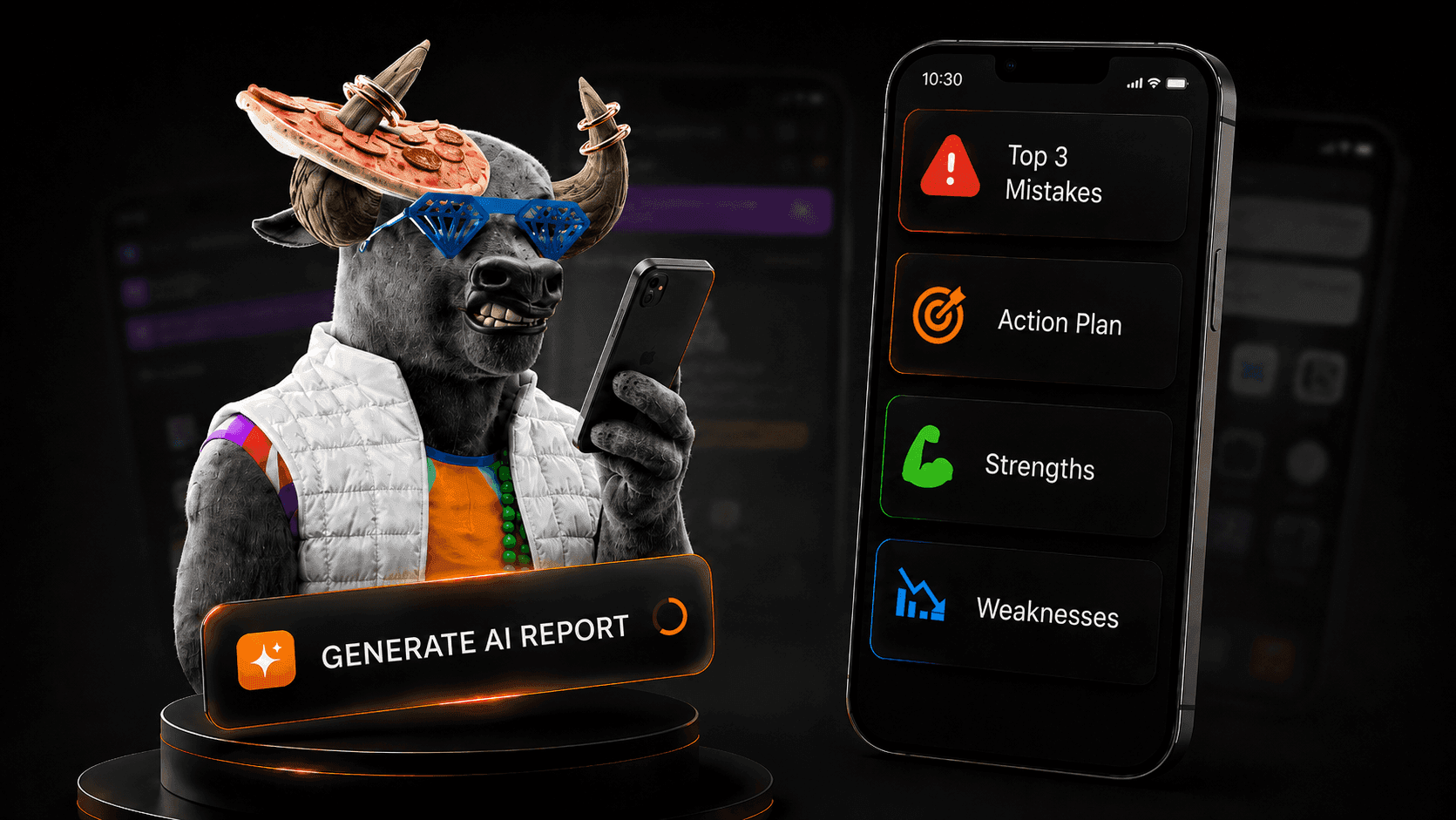
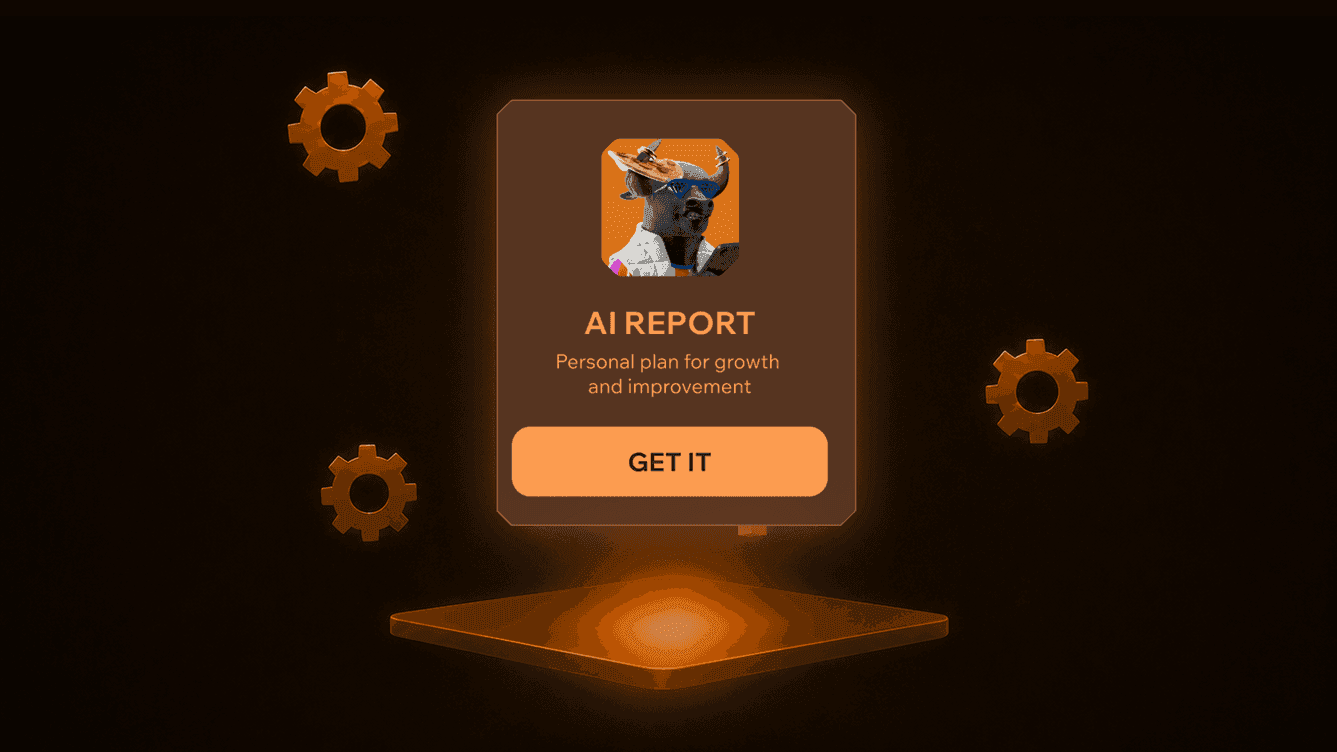
You lost your account — now what? Until now, "now what" meant buying a new challenge and hoping you'd get lucky this time. Now Upscale generates an AI report after an account fails.
What the neural network does: it analyzes the entire trading history on the failed account and delivers:
- Top 3 mistakes — the specific problems that led to losing the account. For example: "high leverage on losing positions (average 5.01)", "no partial position closing", "exceeding the daily drawdown limit".
- Improvement plan — step-by-step recommendations for each mistake. Not a vague "trade better", but something concrete: "reduce average leverage to 3–4×", "introduce partial closing at key levels", "cap losses at 2–3% per day".
The report runs on demand after an account fails. It takes under a minute to generate — you get a push notification when it's ready.
Why it matters: most traders who fail a challenge buy the next one and repeat the same mistakes. Alexander put it precisely: "If you don't rebuild your approach after the third or fourth account, nothing changes." The AI report gives you a concrete rebuilding plan based on your real data, not generic advice.
3. Detailed real-time analytics
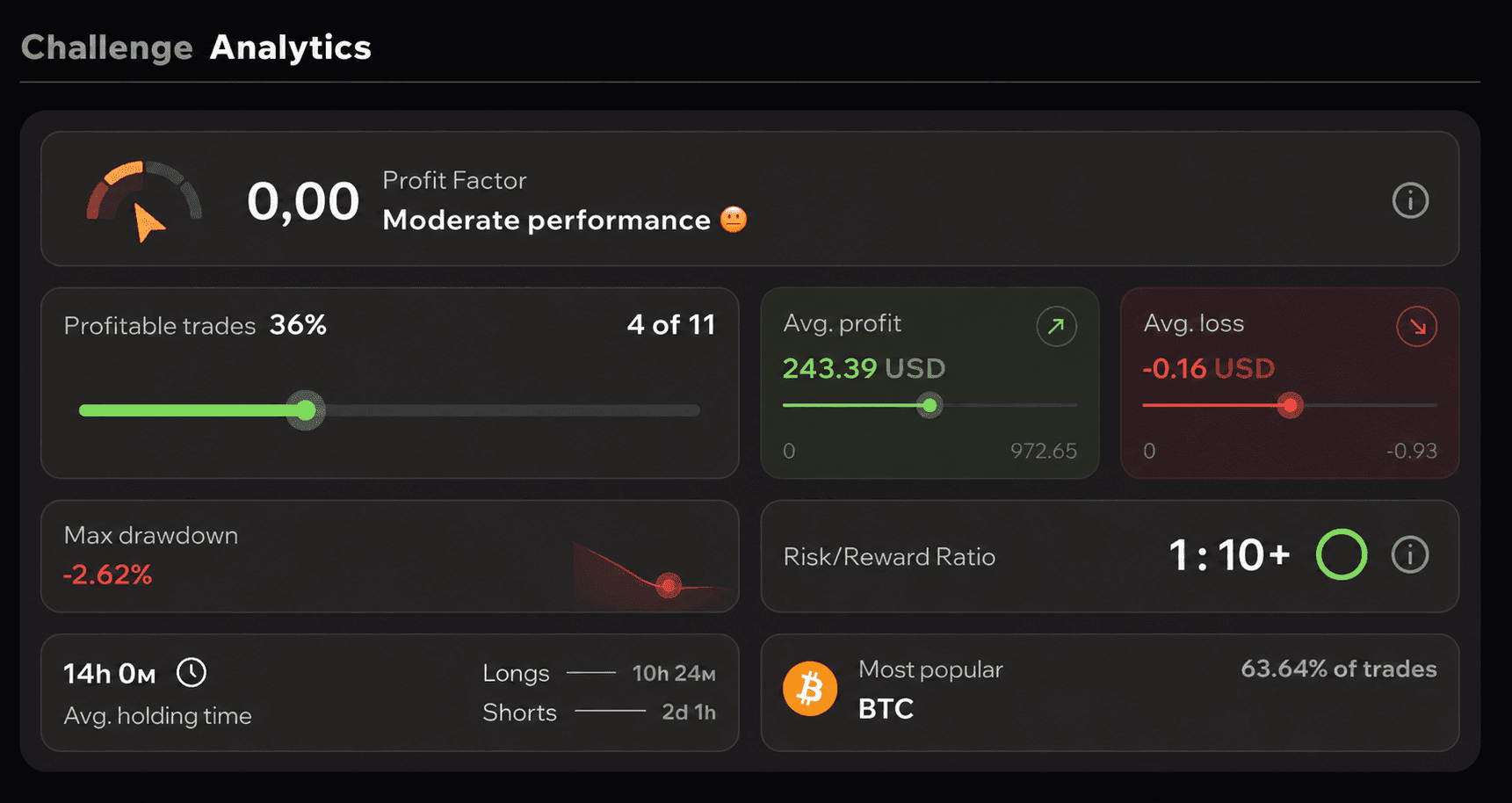
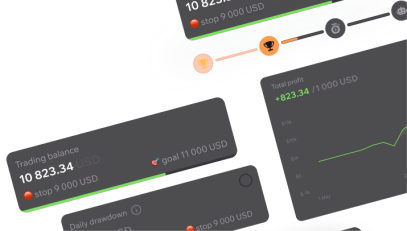
A new analytics dashboard appears for every account after three closed positions. Full real-time statistics:
- Profit factor with an efficiency rating
- Win rate — the count and percentage of winning trades
- Average win and average loss in dollars — and the ratio between them
- Maximum drawdown — as a percentage of the account
- Risk/reward ratio — your real R:R based on closed trades
- Average hold time — separately for longs and shorts
- Most-traded asset — what you trade most often
Precision down to a hundredth of a percent. The data updates after every closed position.
Why you need it: previously, understanding your own statistics meant keeping a separate trading journal or exporting data. Now everything is calculated automatically. You see your real win rate, your real R:R, and your real average hold time — not what you think they are, but what they actually are. Pyotr recommends collecting series of 20 stop-outs and looking for patterns — the analytics does that for you.
4. Placing orders directly on the chart
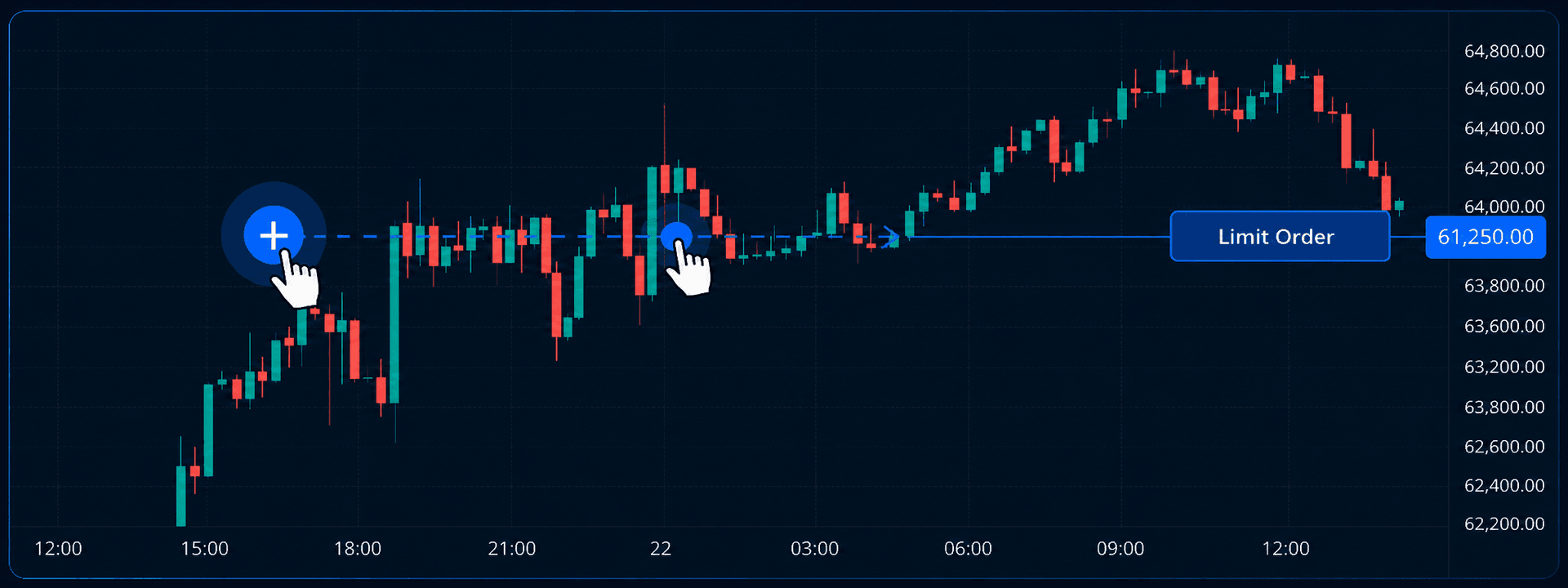
One of the most-requested features: trading straight from the chart. Click the plus icon on the chart, drag the line to the point you want — and the order is ready. No manual number entry, no switching between windows.
It works on both phone and desktop.
Context-aware suggestions: the platform suggests the order type depending on where you clicked. Click above the current price — it offers a limit short or a stop-market long. Click below — a limit long or a stop-market short.
Once you choose the size and hit "create", a window appears with the position details: size, margin, entry price, leverage, SL/TP. You can hide this window for future orders by tapping "don't show confirmation again".
Why it matters: traders who work off levels (like Olaide with his limit orders at zones of interest) can now place orders visually — click the level, drag, done. Faster, more precise, with less chance of a price entry error.
5. Redesigned trading pair selector
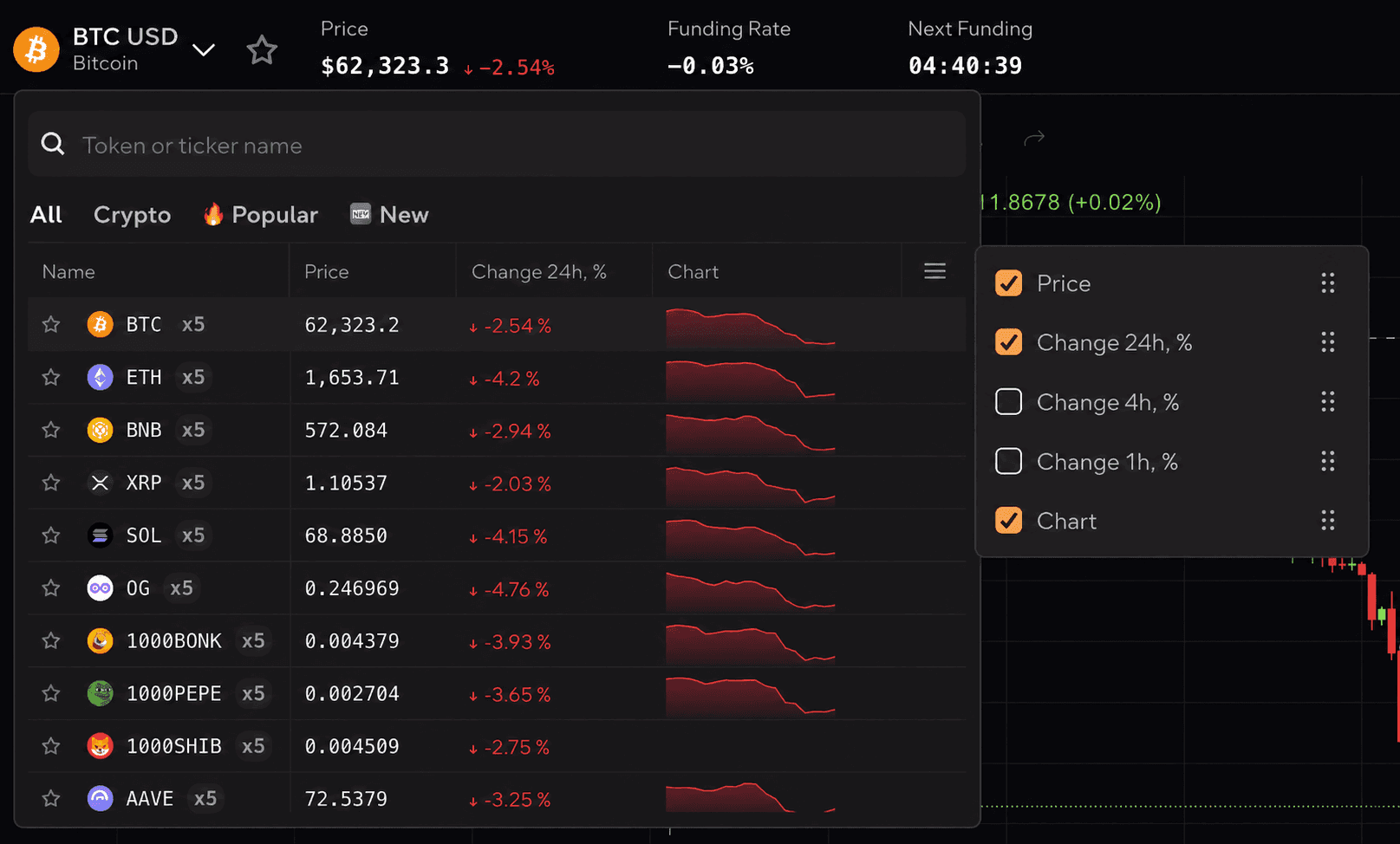
The trading pair selector has been reworked. Instead of a plain list, you get a convenient dropdown panel with live prices and the ability to view the market at a glance.
What's new:
- Filters: "All", "Crypto", "Popular", "New"
- Customizable columns: price, 24-hour change, 4-hour, 1-hour, mini-chart
- Columns can be toggled on and off — set it up your way
- Search by name or ticker
For traders who monitor several assets at once (like Irina, who tracks the top gainers and top losers), this is a meaningful navigation upgrade. You can see price changes across different timeframes in one place, without switching between charts.
6. Instant referral payouts

Referral program payouts are instant again. Request a withdrawal and the rewards go straight to your wallet. No waiting, no checks, no support tickets.
Context: since April, referral payouts were processed manually — once a day. You had to wait a day to receive your funds. The process is now automated: hit "withdraw" and you get paid.
For affiliate program members with an active referral network, this means access to earned funds in real time, not on a 24-hour delay.
The Bottom Line
Six updates — each one closes a specific gap:
| Update | What it solves |
|---|---|
| PWA app | Push notifications without Telegram, works without a browser |
| AI report | Mistake breakdown after a fail — stop repeating the same errors |
| Analytics | Real trading statistics — instead of guesswork |
| Chart orders | Fast order placement — a click instead of typing numbers |
| Pair selector | Market overview with customizable columns |
| Instant referral payouts | Instant withdrawal of referral rewards |
All updates are live now. The PWA can be installed at app.upscale.trade. The AI report appears automatically after an account fails. Analytics appear after three closed positions. Chart orders, the redesigned pair selector, and instant referral payouts work for all accounts.
Try it: 👉 Upscale.trade | Telegram bot
Subscribe: 📺 YouTube | 𝕏 Twitter
Community: 💬 Telegram chat | 🎮 Discord
Frequently Asked Questions
What is the Upscale PWA app?
A PWA (Progressive Web App) lets you install Upscale from your browser as a standalone app on your computer's desktop or your phone's home screen. It works on every OS (macOS, Windows, Android, iOS). The main advantage is push notifications directly — no need to stay online in Telegram. To install: app.upscale.trade → profile → "Install app".
How does the AI report work after an account fails?
After you lose an account, a neural network analyzes your entire trading history and delivers the top 3 mistakes with a concrete improvement plan for each. Generation takes under a minute. The report helps you avoid repeating the same mistakes when you buy your next challenge.
When does the analytics dashboard appear?
After three closed positions on any account. It shows profit factor, win rate, average loss/win, maximum drawdown, R:R, and average hold time. The data updates in real time after every closed position.
Can I create orders directly on the chart?
Yes. Click the plus icon on the chart, drag the line to the price zone you want — and the order is created automatically. The platform suggests the order type depending on whether you clicked above or below the current price. Works on phone and desktop.
Are referral payouts instant again?
Yes. Since April, payouts were processed manually once a day. The process is now automated: request a withdrawal and the funds arrive in your wallet immediately. No waiting and no support tickets.